


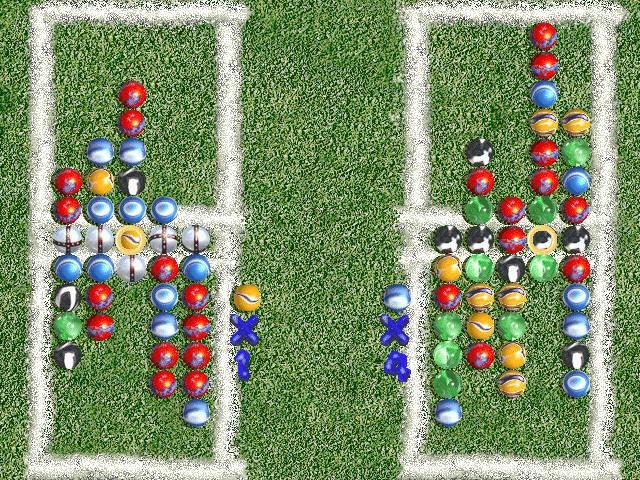
Lose Your Marbles has incredibly simple mechanics. In fact, only the arrow keys and spacebar are required during play. The primary objective involves lining up similarly colored marbles in a row. When a row of three or more drops into place, it disappears. To add to the challenge, there’s a special color of marble designated at all times. Match marbles of this color to collect additional marbles into your reserve pool. Match five in a row, and this pool drops into your opponent’s play area.
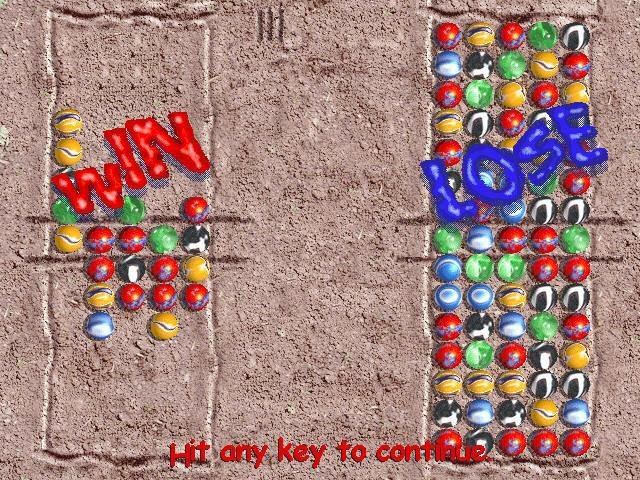
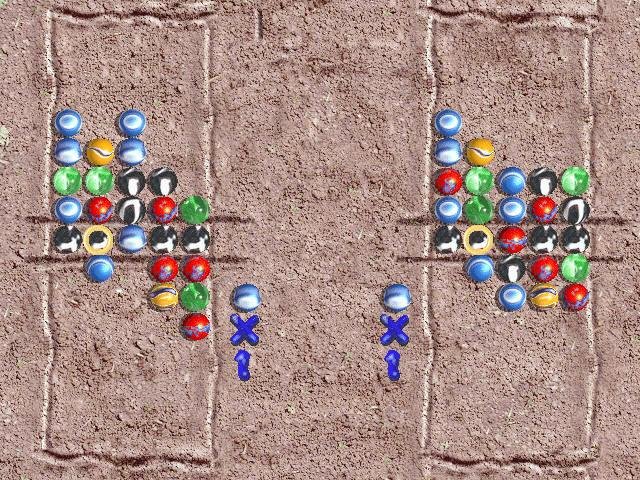
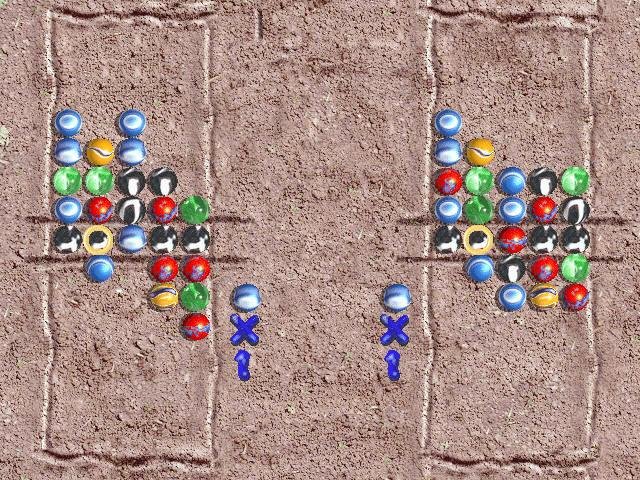 Every aspect of Lose Your Marbles fits perfectly into the overall theme. The backdrops are comprised of chalked sidewalks, marked grass, and scrawlings in playground dirt. The sounds of children playing, grass mowing, marbles clashing with a satisfying clink, and other audio snippets precisely set the intended mood of the game. Bonus rounds give players the opportunity to collect new marble types. If there is a clunker in this clinker, it’d be the repetition of gameplay after just a few sessions. Nothing much about the game changes, beyond the scenery and the speed of the computer opponent.
System Requirements: 80486DX2, 8 MB RAM, Win95
- Buy Game
N/A






cannot find setup.LID file
Cannot find setup.LID file :_(
Has anyone found a fix or workaround for the missing setup.lid file?
found on forum
n many instances, when installing software (in my case Surfer 7), there is a missing file (SETUP.LID) that send a Windows error (in my case W8.1) Error 105, stating ‘Setup is unable to find installation languages in D:Surfer7Setup.lid file’…’Error 105’…
To avoid such a problem, just copy the following in Notepad:
[Languages]
key0=0009
Default=0009
count=1
Then, save the file as Setup.lid (make sure it does not keep the .txt extension) in the folder where the ‘setup.exe’ file is in. That should work for most cases.
however after setup loading bar still game doesn’t lunch nothing happens..