
Some DosBox users have reported sound and music skipping / stuttering in Dos games. If you, like me, are one of the unlucky ones to experience this annoyance when playing Dos games, then I recommend you read the following solution:
1. Find your DosBox installation folder and open ‘dosbox.conf’ with a text editor (Notepad will do just fine)
2. Use the Search function to find ‘prebuffer’
3. Change the ‘prebuffer’ rate to a higher value, like 80
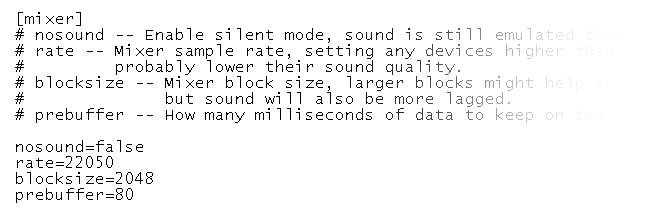
This should eliminate or greatly reduce the stuttering effect experienced when playing games in DosBox




Leave a Comment