
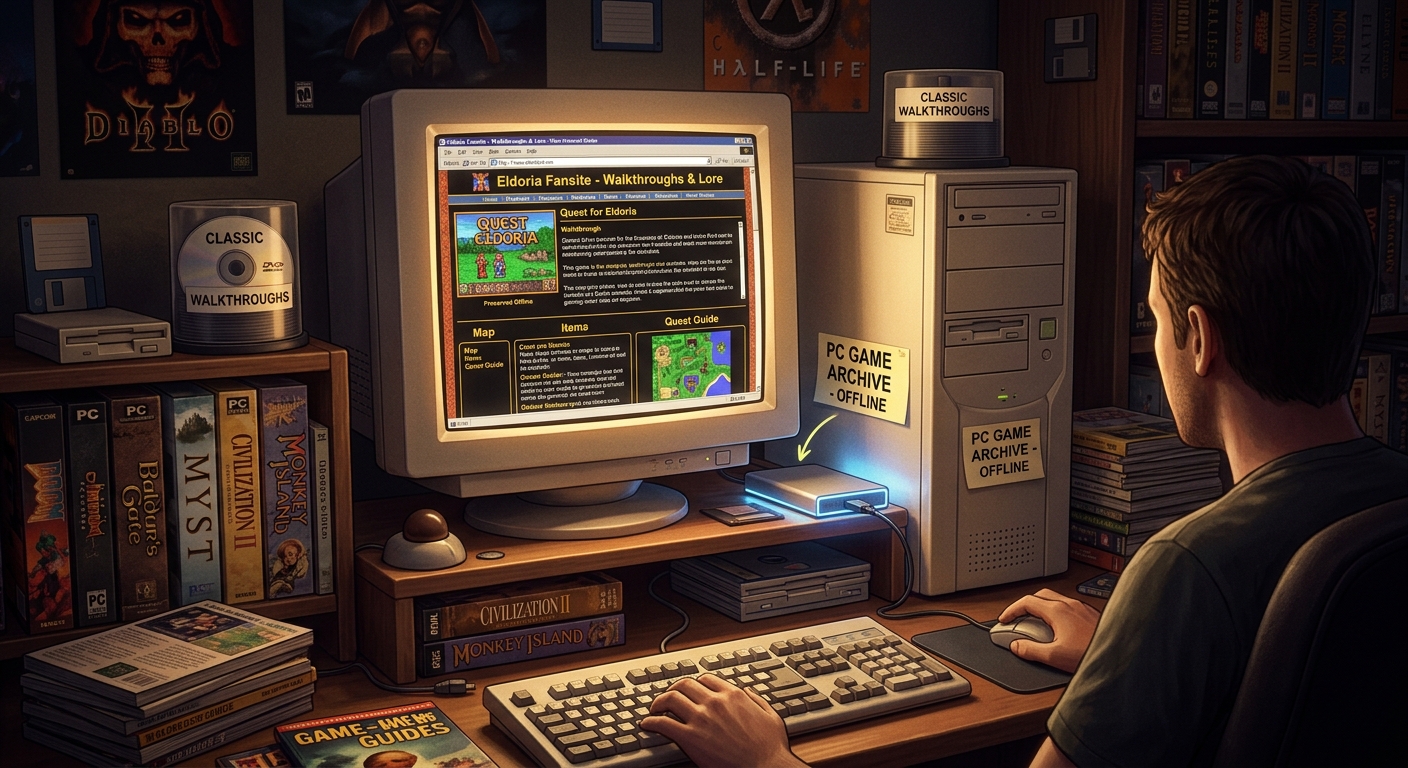
The game still runs. The walkthrough you relied on has vanished. That is a particularly annoying way to get stuck halfway through an old adventure, especially when the missing page held the one readable diagram of a basement switch puzzle. For DOS and early Windows players, keeping a game playable often means saving more than its installer. Patch instructions, fan maps, troubleshooting notes, and carefully written quest guides deserve space beside it.
A useful game archive preserves the instructions you can actually follow offline.
- Save complete walkthroughs, relevant patch notes, and the images that explain puzzles or settings.
- Keep each game’s material in its own folder, with source details and clear version labels.
- Disconnect from the internet and check saved pages before trusting them during a replay.
The Fragile Pages Behind a Favorite Replay
A fan site can contain years of patient work inside a very plain layout. There might be a chapter-by-chapter walkthrough, annotated level maps, or a small note explaining why a particular sound setting causes trouble. The presentation may feel dated. The information can still save an evening.
These pages often depend on someone continuing to pay for hosting and maintain an old account. A retired hobby, an expired domain, or a forgotten password can leave useful material out of reach. You do not need to predict which site will disappear next. Start with the pages you already return to.
Think about your last few replays. Which guide explained an obscure character statistic? Which patch page distinguished the original CD release from a later budget edition? Which fan map made an awkward maze bearable? Those are good candidates for a small, deliberate preservation project.
The aim is a reference collection that helps you play. A handful of complete, readable guides will serve you better than hundreds of saved homepages with missing links.
Choose Material That Solves Actual Playing Problems
Begin with one game. Open its most useful reference pages and check how they connect. A walkthrough may spread across separate chapters. A patch tutorial may put installation steps on one page and known problems on another. A map thumbnail may lead to a larger image that contains the readable labels.
Save the surrounding explanation when it changes how you should interpret a fix. “Copy this file into the game directory” is incomplete without the filename, intended release, and replacement instructions. A download button by itself preserves very little.
Keep Walkthrough Context Intact
A good walkthrough often tells you more than where to go next. It may identify a point of no return, explain a timed event, or warn that using an item too early closes off another route. Preserve introductions and footnotes alongside the main solution. They can explain assumptions that later chapters leave unstated.
For role-playing games, record whether the guide assumes a particular party, character class, or expansion. For strategy games, keep campaign names and mission numbers visible. Similar mission titles can make an unlabeled page surprisingly difficult to place a year later.
Keep Patch Advice Attached to Its Release
DOS and early Windows games can have several releases with different installation needs. Record the edition a patch guide addresses, including language or region when the author supplies it. Keep official patch instructions distinct from fan modifications and your own experiments.
A fix written for an original retail disc may need a different approach with a later digital release. Preserve the author’s stated requirements. If you have successfully used the procedure, add a separate note describing your setup and the result.
Build Offline Copies Around the Whole Guide
Browser saving is a useful starting point. A complete-page save commonly produces an HTML file and a companion folder containing assets. Keep both parts together. Moving only the HTML file can leave the page without its pictures or formatting.
PDF copies can work nicely for linear walkthroughs and installation notes. Check the preview before saving. Wide maps may be cut off, dark backgrounds may print badly, and expandable text may remain hidden. Open any collapsed sections before creating the copy.
Plain text deserves a place too. Many older guides use text characters to draw maps or align statistics. Keep those files in their original form when possible, and view them with a monospaced font. An editor that changes spacing or wraps every line can turn a useful diagram into a jumble.
For guides spread across connected pages, a website converter may fit into your saving workflow. Check its available controls and inspect what it produces. The useful result is a local copy with the chapters, images, and instructions needed for your chosen game.
Define a sensible boundary before collecting pages. Capture the walkthrough and its supporting material, then check for gaps. Pulling in unrelated reviews, forum archives, or every page linked from a sidebar makes the collection harder to inspect.
Keep a readable copy in a format that suits the material. HTML retains page structure and local navigation. PDF provides a convenient reading copy. Original image files preserve map detail. You can keep more than one format when each serves a clear purpose.
Give Every Game a Folder You Can Understand Later
Use the game’s full title for its main folder. Add the release year when two games share a name. Inside, separate walkthroughs, maps, patch instructions, and personal notes with plain folder names. A modest structure is easier to maintain than an elaborate catalog you stop updating after three games.
File names should tell you what you are opening. “Chapter 04 - Castle Walkthrough.html” is more helpful than “page7.html.” Preserve existing names inside a saved website when changing them would break local links. Put that complete copy inside a clearly labeled parent folder instead.
Create a small text file for source details. Record the original page address, page title, credited author, and date you saved it. Include the guide’s revision date if one is shown. These details help you trace an incomplete copy or distinguish two editions of the same walkthrough.
Keep your observations separate from the saved author’s text. A note explaining that a patch worked with your disc edition is valuable. Label it as your result, with the date and relevant setup details. Future you should be able to tell where the original instructions end.
Test the Archive With the Connection Off
A saved page can appear complete while still loading key material from the internet. The browser may fetch a missing image without making the gap obvious. Test the collection while disconnected, and open the files directly from their saved location.
- Open the starting page. Confirm that it loads locally and that the text remains comfortable to read.
- Follow the guide’s chapter links. Check that each required section opens from the saved collection.
- Inspect meaningful images. Open maps, puzzle diagrams, and setup screenshots at a useful size.
- Read a complete procedure. Follow the written sequence from its requirements through its final step, checking for missing references.
- Record and repair gaps. Note missing files, return to the source while it remains available, and test the repaired copy again.
Choose a section from the middle of a walkthrough for this test. A saved contents page proves little if its links lead back to live pages. Also inspect the final chapter. It is easy to overlook a second page of an ending sequence or an appendix containing the last puzzle solution.
For installation instructions, check whether commands remain legible. Backslashes, quotation marks, spaces, and filenames can matter. Text that looks tidy in a screenshot may be difficult to read or transcribe. Keep a selectable text version when the source provides one.
Check Maps and Screenshots at Playing Size
Images deserve their own inspection because they often carry information that prose cannot replace. A dungeon map may use tiny letters for switches. A setup screenshot may show the exact audio device selection. A fan diagram may explain a route through several nearly identical rooms.
Save the full image when a thumbnail opens a larger version. Then check the local file itself. If room numbers are blurred at a useful viewing size, the copy needs attention. A screenshot of the entire webpage rarely preserves the detail of the original map.
Transparent backgrounds can also cause trouble. Dark labels may disappear against a dark viewer background, while pale markings may vanish on white. Try the saved image in another viewer before assuming its information is missing.
Text guides need similar care. Check special characters, accented names, and alignment. Keep an untouched original alongside any adjusted reading copy. That gives you a way back if a later formatting change damages a map or command.
Keep Patch Files and Instructions Connected
If you also retain patch installers or configuration files, place their accompanying readme files beside them. Keep the original archive intact where practical. Its internal filenames and notes may help identify exactly what you saved.
A preserved download link does not mean the linked file is available offline. Check whether you have the actual file when you intend to retain it and are permitted to do so. Label instructions that depend on a file you have not collected.
Saving a reference collection for personal use is also different from republishing someone’s work. Keep author credits and notices attached. A guide does not lose its authorship because its original site closes.
Store another copy of your collection on a separate device or backup destination. After copying a saved website, open it from that location. This catches missing companion folders and links that accidentally depend on the first copy’s location.
Leave the Next Replay Ready to Begin
The best test arrives during play. You reach a stubborn puzzle, open your game folder, and find the right diagram without searching through old bookmarks. The patch notes identify your edition. The walkthrough includes the chapter you need. The images remain readable with the connection off.
Start with the game already waiting on your desktop. Save its most useful guide, preserve the supporting images, and write down where everything came from. Then check the copy while the source is still available to repair it. That small piece of care can keep someone’s years of fan work useful through many more replays.
Leave a Comment