
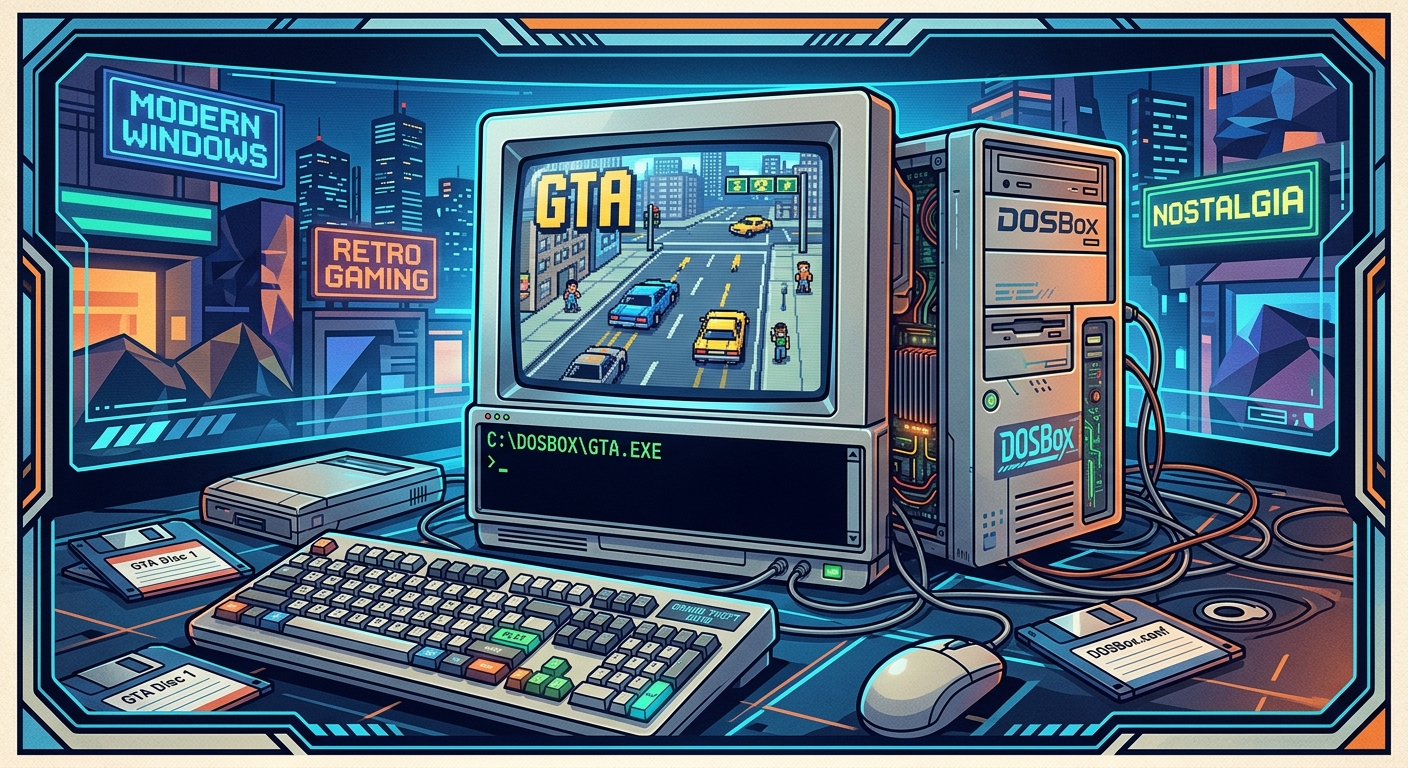
Most people's memory of Grand Theft Auto begins with Tommy Vercetti stepping off a boat in Vice City, or with Claude's silent rampage through Liberty City in GTA III. Very few remember that the franchise spent its first four years as a top-down, bird's-eye game running on modest PC hardware. GTA 1 shipped in 1997 and GTA 2 in 1999, both targeting machines that modern Windows has long since left behind. Getting them to run today takes a little work, but not much, and the payoff is genuinely worth it.
Setup at a Glance
GTA 1 runs best through DOSBox using the DOS version of the game, with cycles set around 10000 and a 16MB memory allocation. GTA 2 is a Win32 application and needs a compatibility workaround rather than standard DOSBox, though DOSBox-X with a Windows 98 layer handles it cleanly. Both games were released as freeware by Rockstar, so grabbing the files legally takes about two minutes before you touch any emulator settings.
Before GTA III, the Franchise Had a Very Different Shape
The GTA most people grew up with was defined by 3D cities and narrative ambition. The original game was built around something simpler and, in its own way, more chaotic. You looked down at the city from above. You ran missions for competing criminal factions. You caused as much mayhem as a late-90s Pentium could handle. For the full picture of how the franchise evolved from those top-down roots into the cultural phenomenon it became, GTA series history gives you a proper timeline to work through before sitting down with either game.
GTA 1 originally released for both DOS and Windows 95. The DOS version is the one you want for DOSBox. GTA 2, two years later, dropped DOS entirely and targeted Windows 95 and 98. That distinction matters a great deal for how you configure each title, and it is where most setup guides get vague at exactly the wrong moment.
Getting the Game Files Without Any Legal Gray Areas
Rockstar made both games free to download years ago. The original official download pages have drifted around over time, but archive.org has preserved them reliably. The GTA 1 package includes both the DOS and Windows 95 versions together. Grab the DOS version specifically. GTA 2 comes as a self-contained Windows executable. Neither file is large by modern standards. The whole process of acquiring both games takes less time than configuring DOSBox.
Extract everything into a clean folder. Keep GTA 1 and GTA 2 in separate directories. Something like C:\Retro\GTA1 and C:\Retro\GTA2 keeps things tidy and avoids path confusion later when you are editing config files.
Configuring DOSBox to Run GTA 1
GTA 1's DOS version runs well under DOSBox, but the default configuration leaves a few things working badly. The game is CPU-sensitive. Too many cycles and the physics go haywire. Too few and it crawls. The sweet spot for most modern machines sits around 10000 cycles, though you may want to nudge that up slightly depending on your hardware.
Here is the full process from start to finish, in the order that minimizes headaches:
- Open your
dosbox.conffile in a text editor. If you are using DOSBox-Staging, look in your user configuration directory rather than the install folder. - Set
cycles=10000under the[cpu]section. Addcyclemax=20000as an upper bound if you prefer the auto mode. - Set
memsize=16under[dosbox]. GTA 1 expects a 16MB memory environment and gets unhappy without it. - Set
machine=svga_s3. The game uses SVGA modes and this machine type handles them correctly without visual artifacts. - Under
[render], setscaler=hq2xfor a smoother upscaled look, ornormal2xif you prefer raw pixels and clean geometry. - Mount your GTA 1 folder as the C drive: type
mount c C:\Retro\GTA1, then typec:to switch to it. - Navigate to the game folder and run
gta.exe. The game should launch directly into its startup sequence.
When a setting behaves unexpectedly, a thorough configuration reference is the fastest way to diagnose the problem. Every DOSBox parameter is documented there, and it is worth bookmarking if you run a lot of DOS titles regularly.
Fixing Sound in DOSBox
GTA 1 supports Sound Blaster audio. Set sbtype=sb16 under the [sblaster] section and leave the IRQ and DMA at their defaults of IRQ 7 and DMA 1. The game's sound setup routine detects this automatically. Run the in-game audio test when it is offered. The music in GTA 1 is genuinely good: an eclectic mix of genre parodies spread across in-game radio stations, and it is worth having fully functional before you start the first mission.
Restoring CD Audio in GTA 1
The CD version of GTA 1 has full audio CD tracks for its radio stations. If you are working from a disc image rather than the freeware download, you can mount that image in DOSBox and get the audio running properly. Mount the ISO as a CD-ROM drive using the -t iso flag: mount d D:\GTA1.iso -t iso. Then in the game's audio settings, select the CD audio option. DOSBox streams audio tracks directly from the image, and the radio stations come alive in a way the digital-only version does not quite match.
If you are using the freeware download, which ships with digital audio files rather than CD tracks, the radio stations still play through the Sound Blaster output. It is not identical to full CD audio, but it is close enough that most people will not notice without a direct back-to-back comparison.
Getting GTA 2 Running on Modern Windows
GTA 2 is a completely different situation. Because it was built for Windows 95 and 98, standard DOSBox will not run it at all. DOSBox does not emulate Win32 applications. What you actually need is either a native Windows compatibility approach or DOSBox-X, which can run a full Windows 98 installation inside it.
The native compatibility approach is faster to set up and works on most Windows 10 and 11 machines. Right-click the GTA2.exe file, open Properties, and head to the Compatibility tab. Set it to run in Windows XP Service Pack 3 compatibility mode. Disable full-screen optimizations. Check the box to run as administrator. With those settings applied, GTA 2 launches and runs cleanly on most systems without any additional work. The game tolerates widescreen displays, though it was never designed for them.
The DOSBox-X route involves installing Windows 98 as a full virtual environment inside the emulator, giving you more authentic sound card emulation and fewer compatibility edge cases. It is a considerably longer setup process. For most people, the compatibility tab approach is the right call. Reserve DOSBox-X for situations where the game flat out refuses to cooperate through native settings alone.
GTA 2 Sound and Resolution
GTA 2 shipped with a hard resolution lock at 640x480. A community patch called the GTA 2 Manager, distributed through fan sites for years, adds resolution options and a handful of stability improvements. It is not strictly necessary, but it makes the game look noticeably cleaner on modern displays. The audio in GTA 2 uses DirectSound, which Windows 10 and 11 support without extra configuration. If you get silence, check that your system's default output device is set correctly in the Windows sound settings panel before chasing anything more complicated.
Mapping a Controller for Both Games
Neither GTA 1 nor GTA 2 was designed with gamepads in mind. Both games were keyboard-driven from day one. That said, DOSBox has joystick support built in, and with a little work you can map a modern controller to the keyboard inputs the game expects.
In DOSBox, open the keymapper with Ctrl+F1 while the emulator is running. You can bind controller buttons to specific key presses from that interface. For GTA 1, the essential inputs are the arrow keys for movement, Ctrl for entering and exiting vehicles, and Alt for cycling through weapons. Map those to your controller's face buttons and analog stick, and the game becomes considerably more comfortable to play for longer sessions. The top-down camera means you rarely need more than eight directional inputs and three action buttons covered.
For GTA 2 under native Windows, tools like JoyToKey or Steam's built-in controller mapping handle things cleanly if you add GTA 2 as a non-Steam game. GTA 2 has some controller support baked in from its original release, though it is rudimentary by modern standards. The community patch mentioned above improves analog stick behavior slightly, which is a worthwhile pickup regardless of whether you plan to use a controller.
Two Games That Deserve More Than a Footnote
Getting GTA 1 and GTA 2 running properly on modern hardware takes maybe thirty minutes the first time through. After that, they are as stable as anything purchased on a modern storefront. What you get for that effort is a chance to see where one of the biggest franchises in history actually began. GTA 1's anarchic mission design and its radio stations that mock every genre of popular music feel genuinely ahead of their time. GTA 2's darker, more corporate setting and its reputation system, where you build relationships with rival gangs and have to actively manage who hates you, feel like interesting design choices that later entries in the series never quite revisited. These are not museum pieces. They are playable, strange, and worth a full afternoon.
Leave a Comment