
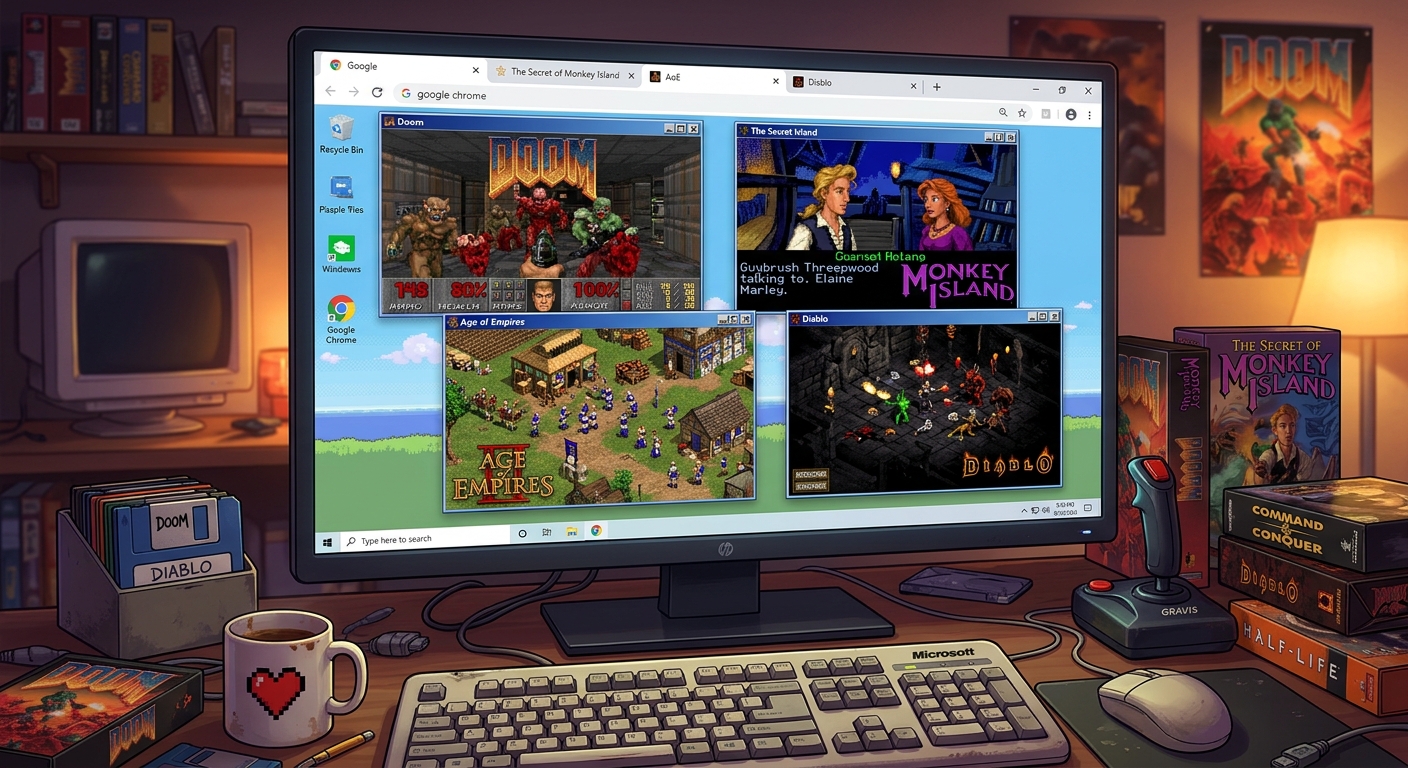
The first locked door still gets you. You remember the corridor, the shotgun, and the sound of something moving behind a wall. Yet the key is missing, just as it was thirty years ago. Browser play can bring back that familiar rhythm without making an evening begin with an installer, a configuration file, and a search for an obsolete graphics wrapper. For anyone who grew up with DOS and early Windows, that convenience has real appeal. The interesting part is which games keep their appeal once they move into a browser tab.
Before You Press Start
- Clear rules and responsive controls help older games suit browser play.
- Browser delivery can reduce setup, but loading and configuration still vary.
- Check saving and progress retention before starting a lengthy campaign.
- A keyboard and mouse remain the safest starting point for PC classics.
- Use browser sessions to revisit favorites and test unfamiliar genres.
Why Old PC Games Make Sense in a Browser
Plenty of classic PC games were built around modest displays, limited memory, and straightforward input. Their visual language had to work within those limits. A doorway needed to read as a doorway. An enemy silhouette had to stand apart from its surroundings. A strategy interface needed to communicate useful information without filling every inch of the screen.
Those qualities can travel comfortably into a browser window. Strong shapes remain readable. Keyboard commands still make sense. A game built around a handful of meaningful actions does not need an elaborate interface to explain itself again.
The appeal also goes deeper than hardware requirements. Older games often establish a satisfying loop within minutes. Move through a room. Solve a puzzle. Survive an attack. Spend your resources. Try again with a better plan. That rhythm fits an evening when you want to play something familiar without committing to a new installation.
Browser delivery changes access more than it changes the underlying game. A demanding platformer still expects accurate jumps. A dungeon crawler still asks you to pay attention. Convenient access does not erase the original personality, including its rough edges.
Which Classic Mechanics Survive the Move Best?
Maze Shooters and Readable Combat
The early shooter formula remains easy to grasp. You move, aim, watch your ammunition, and learn how enemies behave. Games built around the design traditions of Wolfenstein 3D and Doom reward knowledge of space as much as reactions. Remembering a hidden passage can matter more than landing a perfect shot.
These mechanics suit short sessions because progress arrives room by room. You can clear a level, inspect your remaining health, and decide whether another attempt sounds appealing. The main practical concern is input. Mouse capture, sensitivity, and keyboard focus can make a familiar shooter feel unexpectedly awkward.
Start with a brief movement test. Check turning, strafing, firing, and opening doors before committing to a difficult level. If the cursor escapes the game window or a browser shortcut interrupts play, resolve that first.
Puzzle Games and Turn-Based Decisions
Puzzle games lose little when played in a tab, provided the controls respond properly. Their challenge lives in rules and consequences. Moving a crate into the wrong corner remains a mistake regardless of the machine drawing it.
Turn-based games offer another comfortable fit. A delayed click rarely ruins a turn in the way it might ruin a jump. You have time to read descriptions, inspect a map, and think about your next action. Older tactical and role-playing designs can feel particularly welcoming here, although long campaigns make reliable saving a priority.
Check whether a puzzle game offers undo or restart controls. For a role-playing game, look for access to character information, inventory commands, and any instructions that originally lived in a printed manual.
Platformers With Timing You Can Learn
Classic platformers often build their challenge around repeatable patterns. A trap fires at a certain moment. A running jump covers a consistent distance. An enemy turns after reaching a particular spot. Learning those rules creates the pleasure of improvement.
The measured movement associated with the original Prince of Persia illustrates why consistent controls matter. Anticipation is part of the design. Unexpected input delay adds a separate obstacle that the level was never built around.
Try a few ordinary jumps before judging a browser version. A failed leap should teach you something about timing or distance. If identical inputs produce inconsistent results, the delivery is getting between you and the game.
Instant Access Still Needs a Few Sensible Checks
Opening a game in a browser can remove several familiar obstacles. You may avoid running an old installer or dealing directly with a program that expects a much older operating system. Depending on the implementation, an emulator or another compatibility layer handles the original software inside the browser.
That does not mean every title begins immediately. Initial downloads can take time. Some games need a launch command, a control preset, or a sound setting. Others arrive with those choices already configured. The experience depends on the individual release.
Treat the first minute as a small compatibility check. Confirm that the game starts, accepts input, and produces usable sound. Then test the feature you care about most. For a shooter, that might be mouse control. For an adventure, it might be readable dialogue and accurate clicking.
Browser Play and Local Installation Compared
| Consideration | Browser Session | Local Setup |
|---|---|---|
| Getting started | Often involves opening a game and waiting for its files to load. | May require installation, configuration, or compatibility work. |
| Controls and tuning | Options depend on the player and settings provided. | Usually offers more direct access to configuration files and input settings. |
| Keeping progress | Requires checking how saves persist and whether export is available. | Save files can often be located and backed up directly. |
| Best use | Sampling games, revisiting levels, and enjoying shorter sessions. | Long campaigns, modifications, and detailed configuration. |
Make the Keyboard Feel Familiar Again
A browser window introduces an extra layer between your hands and the game. Clicking outside the play area can shift keyboard focus. Certain key combinations may belong to the browser or operating system. Fullscreen mode can improve visibility, but it is still worth learning how to leave it before starting.
Read the displayed controls even if you remember the original layout. A browser conversion may map actions differently. Early PC games also predate many conventions that now feel automatic. Arrow keys, letter keys, and separate turning and strafing commands can require a little adjustment.
- Click inside the game area before testing keyboard input.
- Check movement, action keys, pause, and menu access.
- Adjust display size until text and interface buttons are readable.
- Test sound after interacting with the game window.
- Confirm how to save, resume, and leave the session.
A laptop keyboard may also lack convenient access to a numeric keypad or function keys. If a game expects those inputs, check for remapping options. A few minutes spent here can prevent an otherwise enjoyable session from becoming a fight with the keyboard.
Protect Your Progress Before Starting a Campaign
A game showing a successful save message does not answer every question about persistence. You still need to know whether that save will be available after closing the tab, restarting the browser, or clearing site data.
Browser versions differ. Some keep data locally. Some provide downloadable saves or other export features. Others may offer limited persistence. Read the available instructions and perform a small test before investing an evening in character creation or campaign planning.
Create a save near the beginning, exit through the available controls, and return to check that loading works. Keep an exported copy if the player provides that option. Private browsing sessions deserve particular care because their local data is generally temporary.
This matters less for a ten-minute arcade attempt than for a role-playing campaign. Choose your setup around the commitment the game asks of you.
Choose Your First Return by How You Want to Play
Start with a mood rather than a famous title. If you have twenty minutes, a compact puzzle or a single shooter level offers a natural stopping point. If you want to settle in, an adventure or strategy game gives you more room to think, provided its controls and saves behave properly.
Browsing classic browser games can help you choose a starting point. Check each listing for its controls, version details, and saving options before settling into a session. A familiar name is a useful invitation, but the playable version determines how comfortably you can return.
Keep expectations tied to the release in front of you. A demo, shareware episode, remake, and original commercial release can differ in content and behavior. Browser access alone does not establish which edition you are playing.
Give an Old Favorite Another Evening
The best reason to play a classic in a browser is simple: it puts the game within reach when you actually feel like playing. You can revisit a level, test a remembered strategy, or finally try a genre that passed you by during the family PC years.
Start small. Check the controls. Test the saves. Give the original pacing enough time to make sense again. Some games need a few minutes before your hands remember what your head has kept all these years.
Then comes that familiar locked door. This time, perhaps, you remember where the key is.
Leave a Comment