

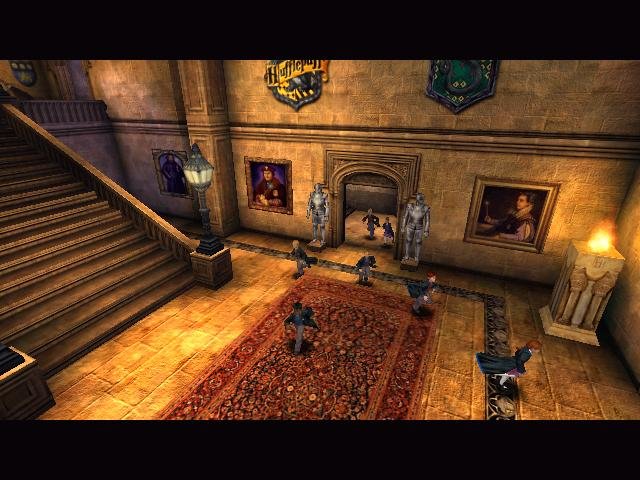
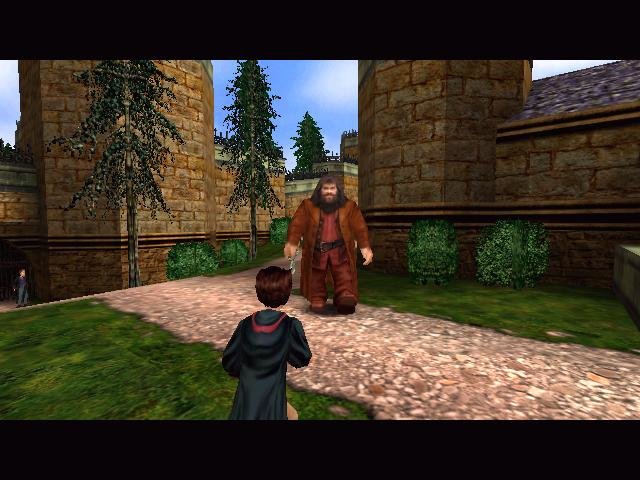
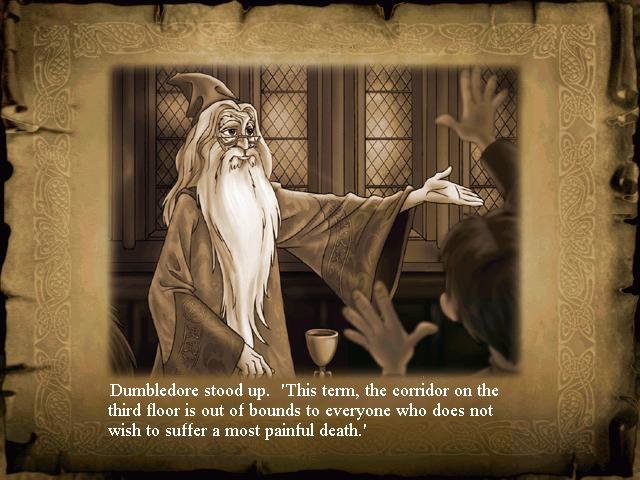
What you see is what you get with Harry Potter and the Sorcerer’s Stone, a game based on the very first movie of the series. This simple third-person action game places you in the robes of the world’s best-known apprentice wizard. You attend classes as a first-year student at Hogwarts, and take part in a series of adventures. You meet the entire cast of characters, such as lovable giant Hagrid, Professor Dumbledore, McGonagall, and Harry’s two closest friends, Hermione Granger and Ron Weasley.
Sadly, you won’t really be adventuring with any of these characters: they show up only to move the story along and give you tips, and send you on one mission after another (such as finding your next magic class, gathering special seeds, or riding the broomstick to chase down enemies).
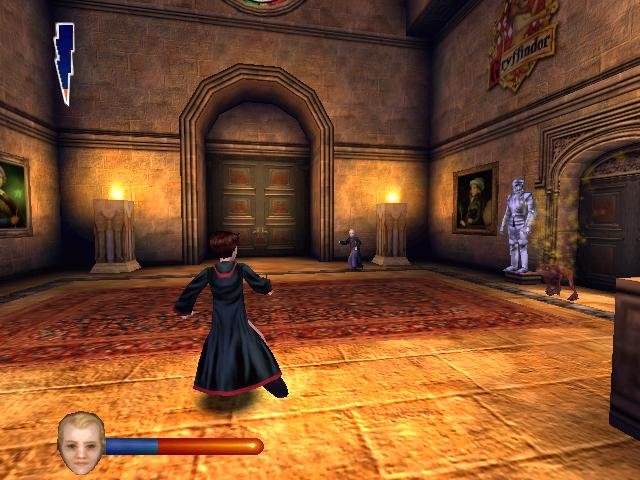
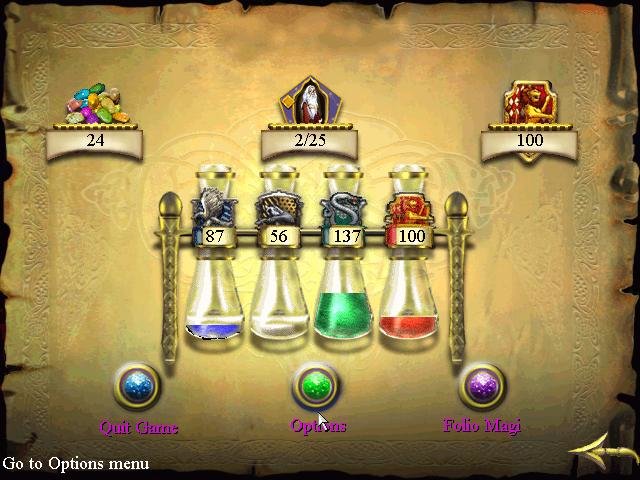
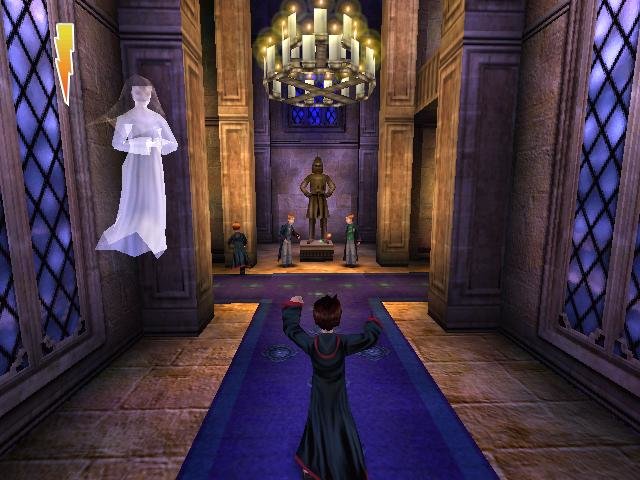
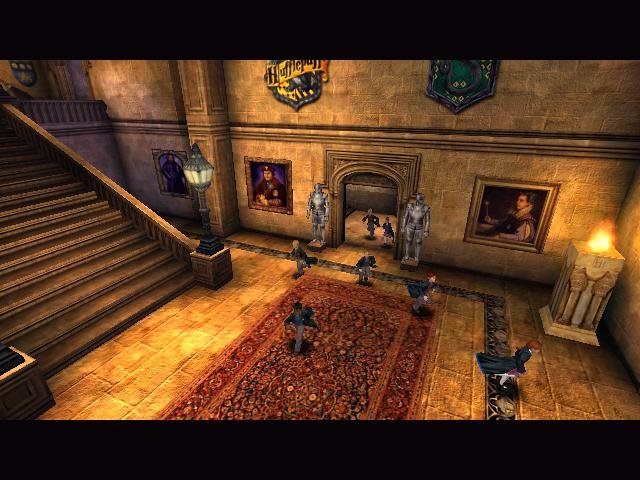
I have to admit, being able to explore the Hogwarts grounds is a real treat. Everything from moving paintings to occasional visits by the ghosts of Hogwarts are portrayed just as they’re described in the book. The result is a game that will make fans of the series squeal in joy. But if you don’t know the difference between a bludger and a snitch, you won’t find it nearly as entertaining. And if Harry Potter mania has passed you by, you’ll likely find the action a bit too kiddie, especially after running around gathering Bertie Bott’s Beans.
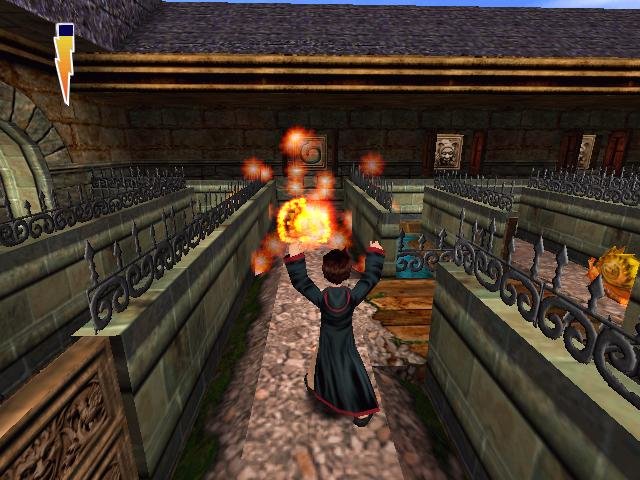
That’s not the only thing that will make non–Harry Potter fans want to skip this one. This game is for kids — and that’s not something I’d say about the book. You use one button to jump and one button to cast spells, and you move around the same way you would in any other third-person game — minus side-stepping. The controls, however, are pretty broken, seemingly yanked straight out of console land with little regard to PC specifics. You can, for instance, use the mouse, but are better off using a gamepad. The mouse speed is another issue – sensitivity affects horizontal and vertical scrolling at wildly different rates.
On a more basic level, the game just feels to simple to anyone except beginner action adventure fans. After years of playing games where you can strafe, having that ability taken away from you just feels wrong. There are many times when you’ll want to shift Harry just a little to the side, but can’t. It’s an even bigger pain if you’re trying to dodge enemy projectiles.
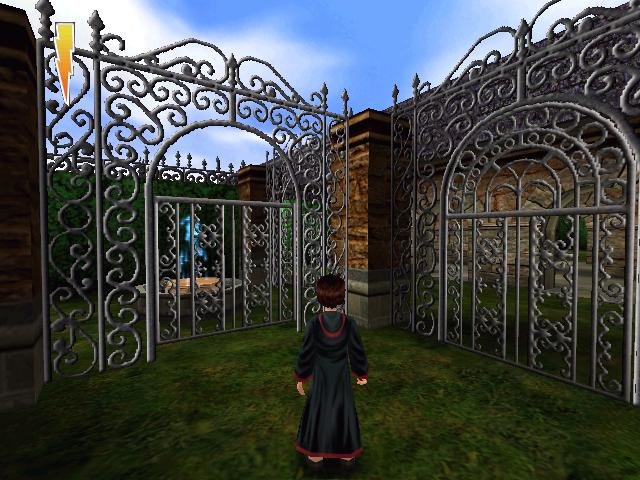
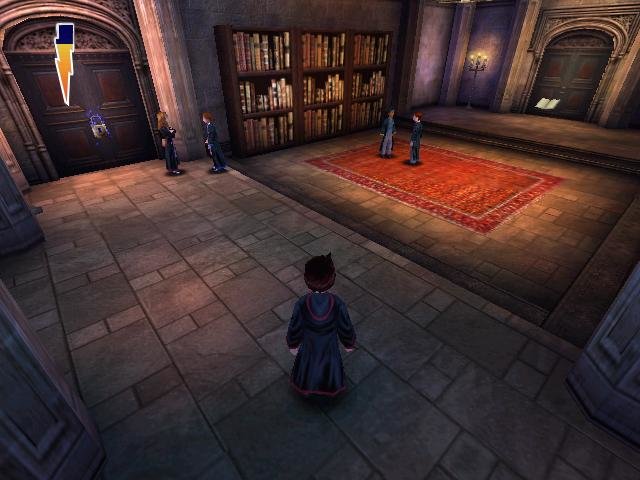
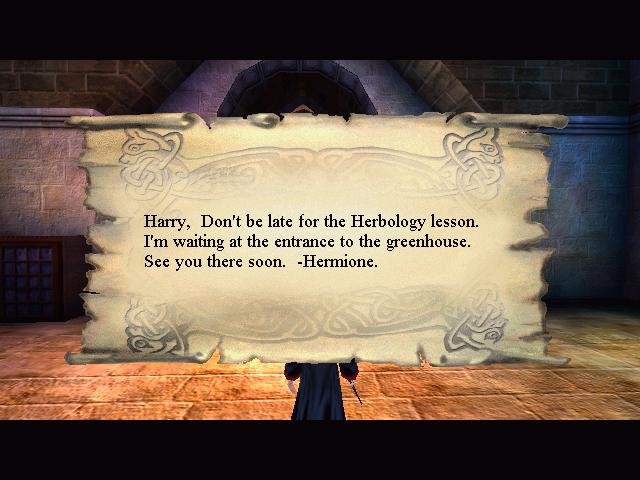
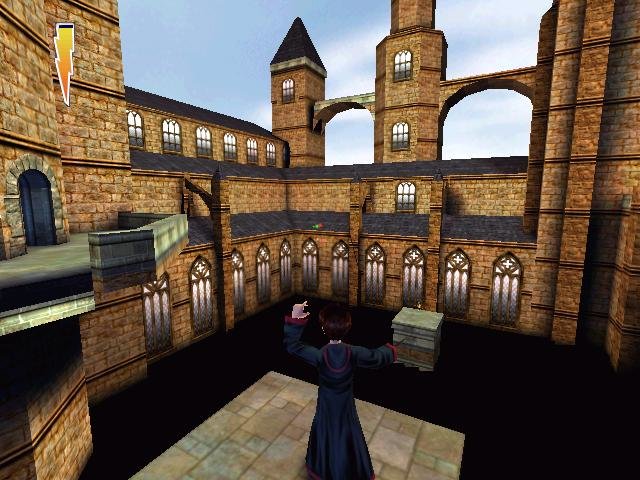
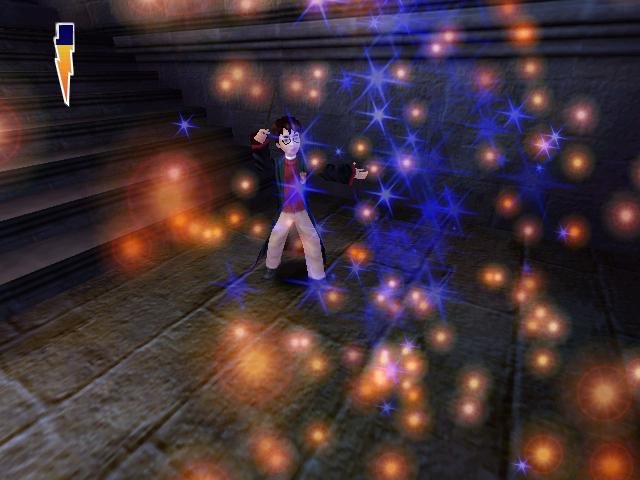
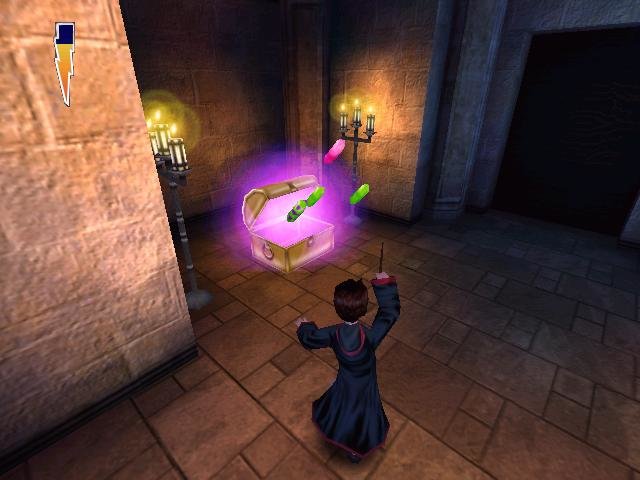
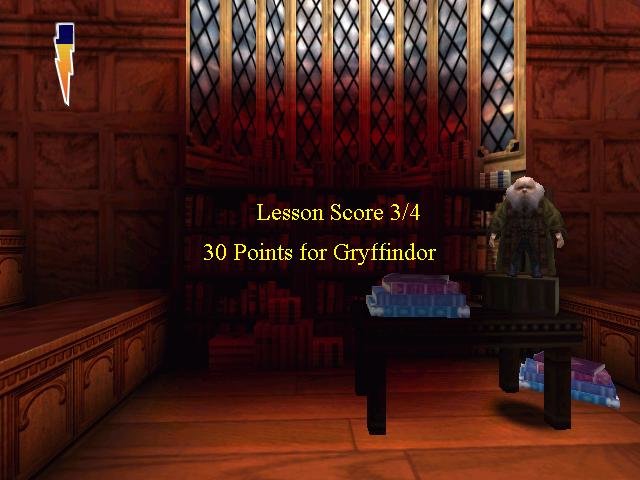
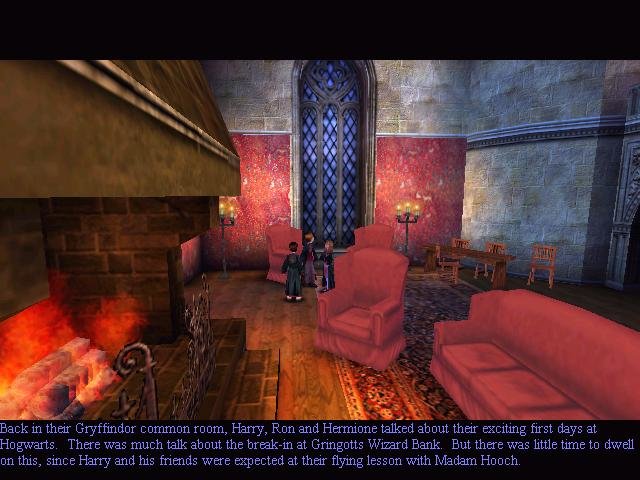
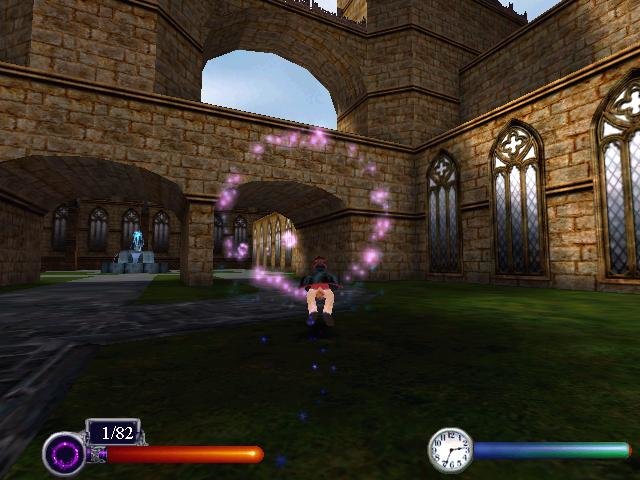
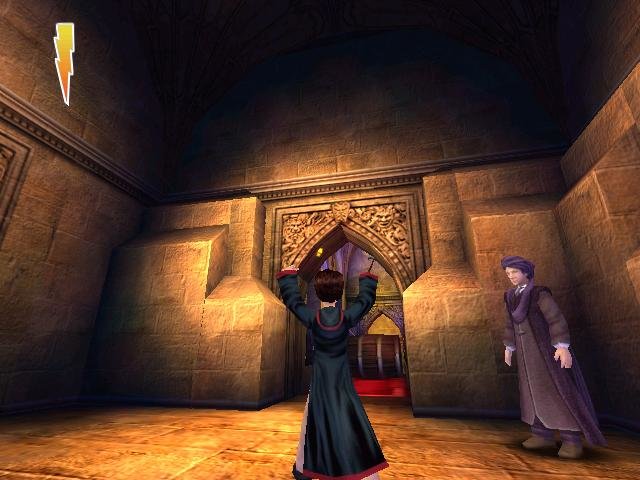
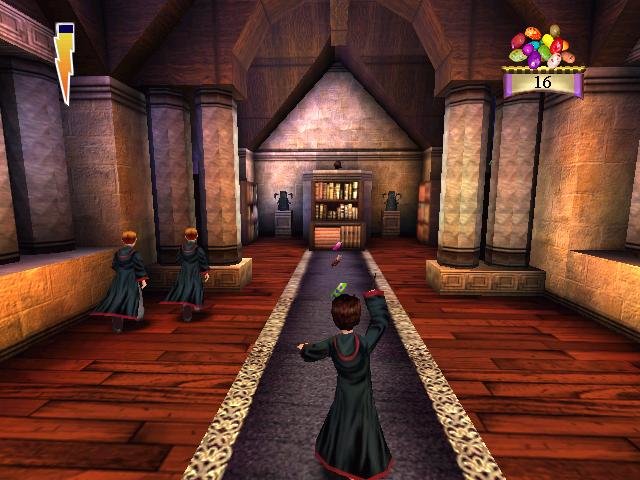
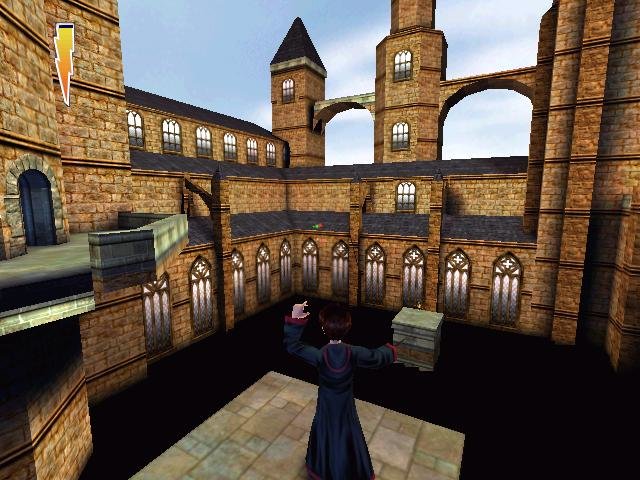 Graphically, Harry is surprisingly handsome, thanks to the use of the Unreal engine. Textures are sharp and colorful, and both levels and characters feel like they fit in perfectly with the world of Harry Potter. There are some clipping issues in outdoor areas, but you’ll fortunately spend most of your time playing indoors. Also, the sounds of magical spells being cast and the voiceovers for all the characters are first-rate. And yes, you do get to play Quidditch. It’s an impressive package as far as movie-to-game adaptations.
System Requirements: Pentium III 500 MHz, 64 MB RAM, 600 MB HDD, Win95/98
Not compatible with Win10!
- Buy Game
N/A
Need more help?
Watch this tutorial video.


I have been attempting to find a copy of this game since i first found this site. I played this when I was younger and my copy has been lost. So Happy rn!!
I need help, they say I don’t have Windows DLL and I tried taking it back from the cache but it doesn’t existe wtf…..
Run “sfc /scannow” in windows command line. You will need disc of your windows. It will check and repair system files.
I can not get the game to play after i hit auto run > Play
what u need to do, is go into setup first and and then the run will work, if its not set up it will not work
Hi, with which app should I open this on Mac? Thanks in advance.
Everything here is for Windows
Can anyone confirm is this will run on windows 10? I have tried running it as an administrator, with compatibility settings and running the setup but nothing loads and the setup says that there is a catastrophic failure
So the big thing is that theres an old driver required that isn’t active on most modern computers you need to open you command line as admin then type sc config secdrv start= demand. then sc start secdrv this will turn it on then when your done type sc stop secdrv
it asks for the code on the case, but I don’t know what to do. Please help.
1504-1879151-5021411-5309
I intalled and went through everything but when i press play it says something about HP.exe. And dosent play help
IT ASK FOR CD I GIVE IT CODE THE IT AGAIN ASKED FOR CD THIS IS VERY BAD PLEASE DON’T DOWNLOAD THIS GAME
what is no-cd crack
It’s the thing you have to copy into the game folder TO MAKE IT WORK.
i copy that into the game folder it again ask for cd-rom what i do
Replace the original, leave the ISO mounted
and for open no-cd crack it wil said you dont have windows-dll
AND HOW I WILL DO THAT I DOWNLOAD AS WINRAR
I SEE IN 2 VIDEOS THAT NO-CD CRACK IS OF 1.125M.B. AND I DOWNLOAD FROM HERE IT IS OF 260 KB IT FAKE THIS WEBSITE IS FAKE DONT DOWNLOAD FROM HERE
FAST ANSWER
It’s a different version, genius. And I can’t help you. You’re just too thick.
The version that I uploaded here is the same one I used to make the screenshots. Please get off my internet lawn now. Thanks.
Everything here is best quality: game files and support. If you are so dumb, srajal, blame only yourself.
doesn’t work. I hit play everytime but nothing happens…
Run it in XP compatibility mode or directly in XP.
says login with administrator priviliges and try
I did it but still doesnt work
i did everything and it doesn’t work :/ what should i do !
Try installing it on WinXP.
And make sure to copy crack into game folder and leave the ISO mounted. That’s all I got.
I install it and get to admin priviliges and it wont do it :((((((((( any help pls i wanna play this game so bad the previous comments did nothing to help
https://www.youtube.com/watch?v=uQ7WyJFpCuM following this video got the game working on my windows 10 PC if anyone is still trying and not able to.
Hey there. Thanks for doing all this great work, it’s really appreciated. Don’t forget, for every one person saying it, many more are thinking it.
I’m sorry to bother you with my personal problems but I figured I’d ask. I followed the instructions on my windows 10 machine. Installed daemon, mounted .iso, I opened the game and installed it. Everything looked good but when I went to open the game menu and click play, the game screen disappears and nothing happens.
Any idea what I’m doing wrong? I tried running daemon as administrator since it mentioned that during my trial and error.
How do you get around the windows.dll and console.dll etc. missing when you try to run the game? No crack file is copied to replace the original. If I run as administrator it comes up with error messages saying I’m missing the dlls.
HP, are you sure you run it on Windows 95/98/XP or virtual machine? If you run it on new windows, you should not be surprised by getting errors with old game.
Hey, i have a problem. When I clic the icon of the game it doesn’t open anything, then if I clic “AutoRun.exe” and then clic play, it only closes everything
luke, what you need to do is to download a cracked version of the game and replace all the files with it. This video should help: https://www.youtube.com/watch?v=uQ7WyJFpCuM
It worked for me, but the game lags immensely. The story telling slides takes 10 minutes, after which the game runs naturally, until Fred and George taught me how to jump, after which the game became unplayable due to the lag. This might be a driver / hardware related issue though.
This game flickers a lot, Any suggestions to make it not flicker ?
Robbie, maybe you casted flickering spell in game? Joke. Check game video settings, your video card settings. And be sure you play this game on Windows 95/98/2000/XP. If you play on newer Windows, don’t be surprised that old game have problems on it. This site have solution for playing old games on new Windows. Check homepage.
Works perfectly on my windows 8.1 laptop with compatibility mode set to windows xp SP3. Thanks alot!
Hello I downloaded the game but it says I do not have Windows dll. Pls help
Works 100% on Windows XP.
Hey i had everything running perfectly and then during a thunderstorm my game and computer flashed with power outage for about 5 seconds, and my game crashed. Upon attempting to reload the game an Error box comes up that says at the the top “Critical Error”, and in the box it says “General Protection Fault! History: appInIt” and it prevents the game from launching. I had made it like 75% of the way through the game or more. Any idea how to fix it, or do i need to reinstall? If i have to reinstall is there any way of copying my save games to transfer them to a new install?
That’s really weird,. the power outage probably wan’t related to the game (i have never heard of a game causing this). try running it on the virtual machine
First reinstall game and check will it work. Also it’s possible that Windows file system can be damaged. I had similar issue when my PC was not properly plugged in power supply, PC lost power suddenly. When i plugged PC to power supply properly and tried to turn it on, PC stucked in Windows XP loading screen. I needed to boot Windows from CD and repair it. Since your Windows works, you can run “sfc /scannow” in command line. It will check and restore system files. It will require disc of your Windows.
I played the game but it crashed when i reached the part where i need to catch the “WINGED KEY”. Now I have start all over again so gotta uninstall it now unfortunately ?
Also how do I uninstall the the 500 mb file from my laptop?
I tried everything but wouldn’t get off my desktop and from my pc.
Keeps staying critical failure, General protection fault and a few other things tried re-installing it but says same thing and tried running in different windows same thing any help would be appreciated
watch the video. it was installed in the xp VM… which you can download and use /how-to-run-any-game-on-win-7-8-10/
This game works on my sister’s Windows 7 32bit laptop without any compatibility.
Hello geniuses. you have to place the crack file into the System folder of the game. There is a file called HP and it has to be replaced with crack. I use Win 10 and I can run the game without any other app or XP bla bla. Were you all born after 2000?
how to download it
Hey, I tryed to open the autorun, and nothing happens. Then, I replaced de hp.exe from the System folder, with the NoCd one. I opened Hp., and it sayed missing Ini. help? :/
Can anyone help me with the save game? I can not save my progress, it keep start a new game whenever I reopen. And I don’t have enough time to play the game continuously until the end. Please help.
Hey!
Amazing to find this. Thank you so much! Remember this from good old PlayStation 1.
For all of those Who has problem with The install, Please just Google how to crack a game. Or something.
Even tho I Love this game I do have a question. I get a terrible lag on doing The spells. Got any ideas on this?
Running a 2015 laptop with win 10. Superclean installation with NO problems there.
Thanks again for an awesome upload ?
When firing up install shield wizzard an error occurs
“Error extracting support files:
Catastrophic failure”
is there a possibility files are corrupted?
I got this when i tryd to run the game. Please login with administrator privileges and try again
it says i need a code where do i get one?
Dude there’s a text file in the rar and it’s even posted the comments section above. make the smallest effort at least
Thanks a lot, finally found the working version. My fav childhood game. ? Thanks again
So I wanna point out what the major issue people having actually is that maybe uploader wasn’t aware of as an issue. I notice people that fixes aren’t helping all seem to say windows 10 and here’s the issue as of Windows 10 they have removed windows 95 and 98 compatibility modes completely and its not even an option anymore. So I do not believe there is any way at all to simply run this game on a windows 10 based laptop or computer without some sort of win95/98 emulator tbh! which I may do with a friend later cause tbh I am not best at all the more complicated non basic tech fixes. Hopefully this helps you answer the big issue you cant seem to answer for people as well Old PC Gaming ? and while I sadly have trouble playing it cause of windows 10 I do wanna thank uploader for his hard work and attempt to give us this game that’s hard to find anywhere thanks to licensing bs
Anyone know where to get a copy of Windows 98 or XP for my VM to try this out?
/virtual-machine/
Thanks! I don’t suppose you have this for Mac OS? I’m good with the PC VM, just assuming that I’d need different file types to install it on my Mac.
can we get a old game for free and fast downloading?
Please some of us want to play old games because we see and imagine our own self in the game when we are younger and we want to play them please
Yeah… that would be the point. If you know how to run old games on modern computers.
worked fine once i did like SB said , i have win7 64bit
I just downloaded it, I’ve started playing it and everything works just perfect! thank you so much for bringing my childhood back again.
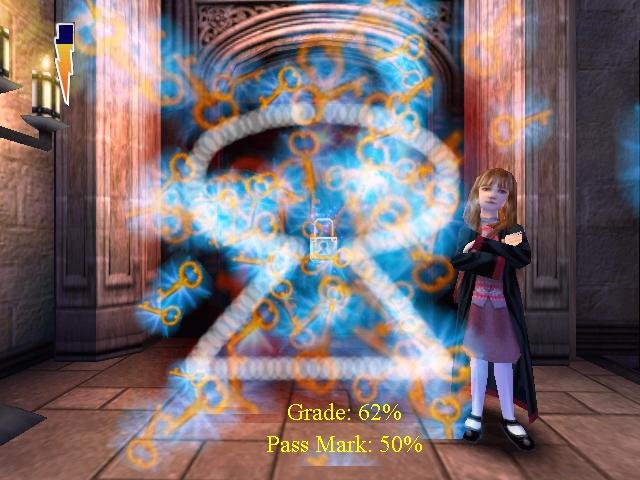
I just have a question: every single time I try to follow the spells on the screen, I get a super low % even If I make pretty much the same as shown, is there any way that I can get a higher %? I have to do it several times just to get at least a 50% and it’s frustrating. Any help? Thank you!
I have the same problem as Andrea, for some reason the % on spells isn’t working right and it takes ages to get to 50%, any idea what’s up with it?
Alright kids. Listen here for how to do this.
1. Download the zipped file. You’ll need a program like WinRar to open it and extract it. Make sure you extract everything.
2. Mount the ISO. This can be done by double clicking on the ISO. It should open up like a CD would. If this doesn’t work, try right clicking the ISO and looking for a “Mount” option. If you double-click it and a program opens (like VLC), then you’ll have to go look up how to disassociate extensions, because I’m not going to walk you through that here.
3. Once you get the ISO mounted and opened, run the Autorun.exe. It will ask you for a product key. This is inside the zip file that you downloaded. I believe it’s labeled Serial#.txt or something like that.
4. After the game has finished installing, go grab the CRACKED HP.exe from the NoCD Crack folder that came in the zip file. Paste it into the game’s install directory under the SYSTEM folder. (This will solve any Windows.dll, Core.dll, or Engine.dll missing errors).
5. Once this is done, right click the HP.exe you just pasted in, go to Properties. Then go to the Compatibility tab. Click the “Run as administrator” checkbox, and also click the “Run in compatibility mode” checkbox. Then select a version of Windows that works for you. The Service Pack 3 Windows XP option worked for me (I’m on Windows 10.)
6. Now, Eject the disk image you mounted by right clicking it and selecting “Eject.” (Go to This PC in Explorer. It will have the same icon as the HP.exe.
7. Double click your new HP.exe from the System folder in your game install directory (you can send a shortcut to the desktop if you want) and you’re good to go! The game should start right up!