

Expanding Your Frontiers
Expansion packs have it tough. This is particularly true for add-ons to poor or mediocre games, which only their dedicated fans want to play, but in some ways these titles are the lucky ones. Consider The Conquerors. As the follow-up to a classic, it was immediately held up to the harsh light of scrutiny and prodded with jaded comparisons. Was this expansion as significant as Rise of Rome was to the original Age of Empires? What did it add, and how much? How did it change the gameplay, and was the unit balance as keenly honed as a Japanese sword? Could it revitalize the game for those who had drifted on to other, newer titles? Did it enhance multiplayer in any appreciable way? Above all, was this “good enough” to be an expansion to Age of Kings?
 For those with short attention spans, the quick answer is “yes, but with a few reservations”. Given the amount of stuff featured in the original, The Conquerors is indeed an amazing product as far as expansion packs go, offering enough new missions, units and crisp visual flair to practically qualify as the next game in the series. It also corrects a couple of questionable design decisions from the original, but altogether fails to fix some of the more pressing parts.
Conquering The Conquerors
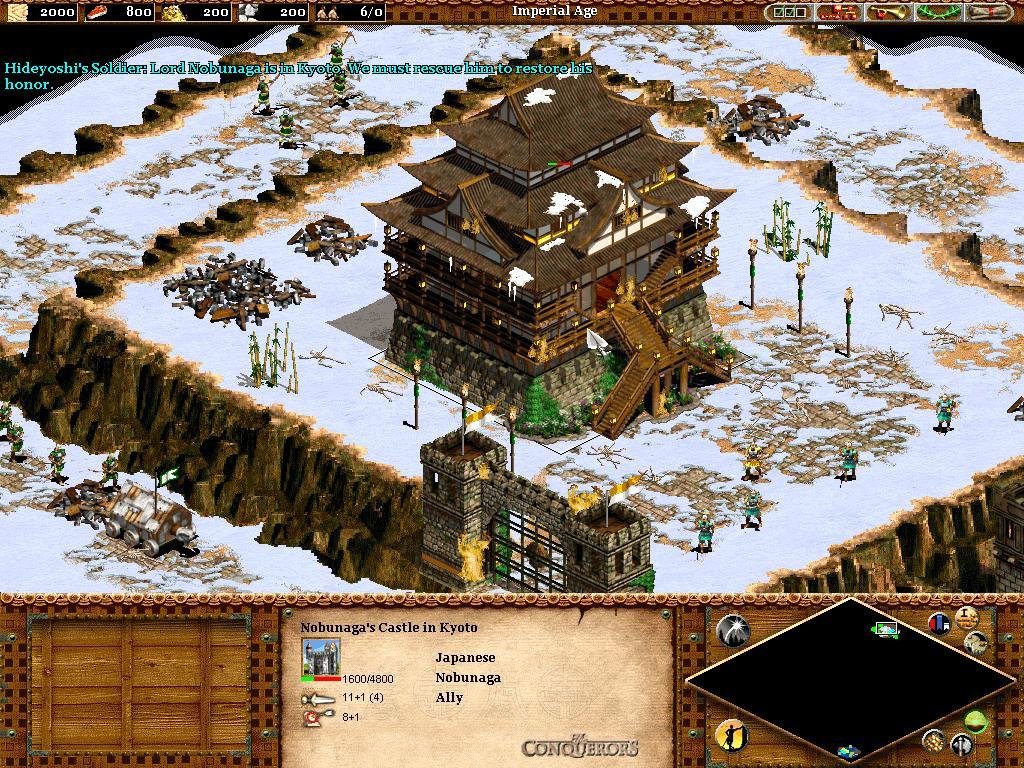
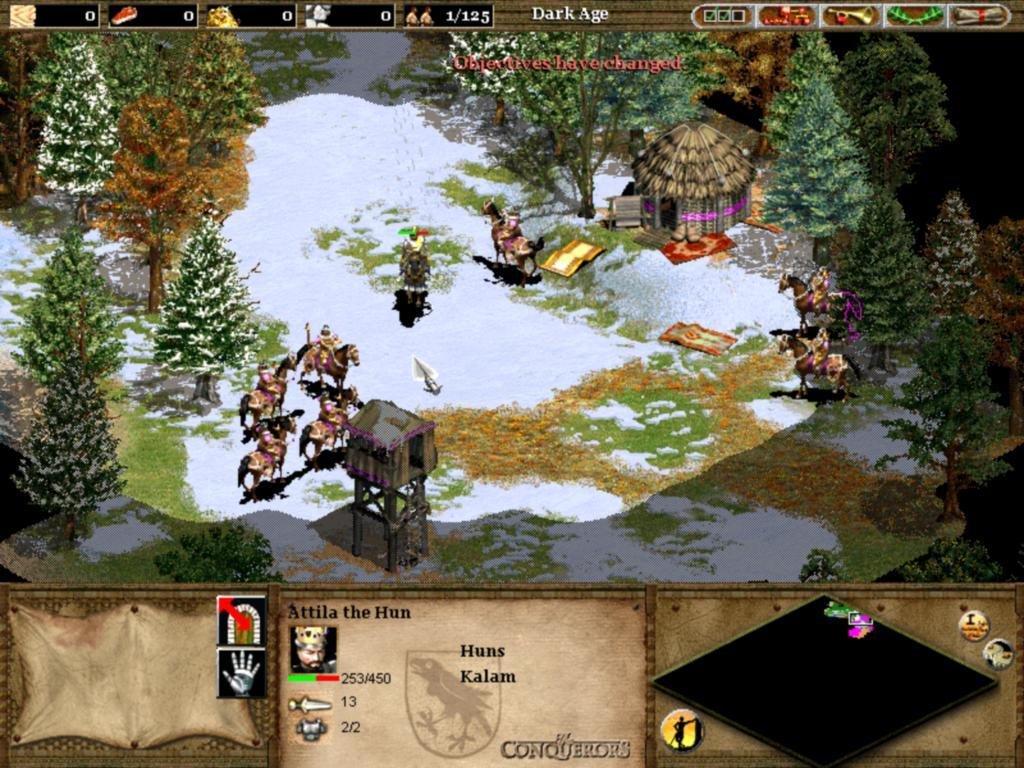
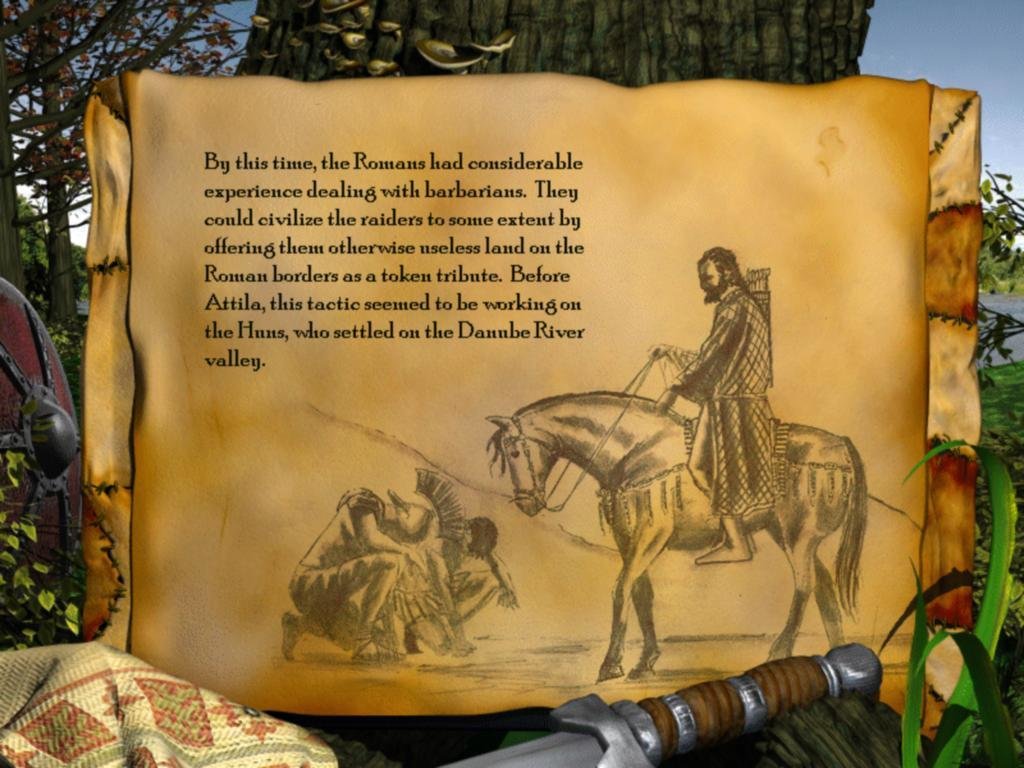
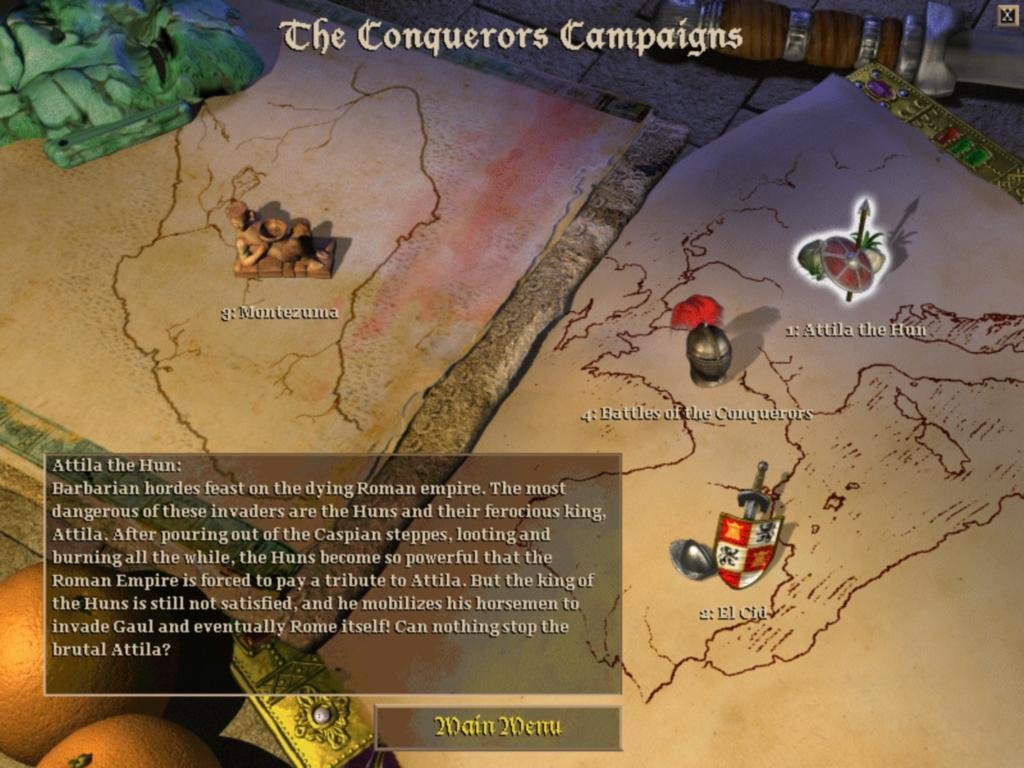
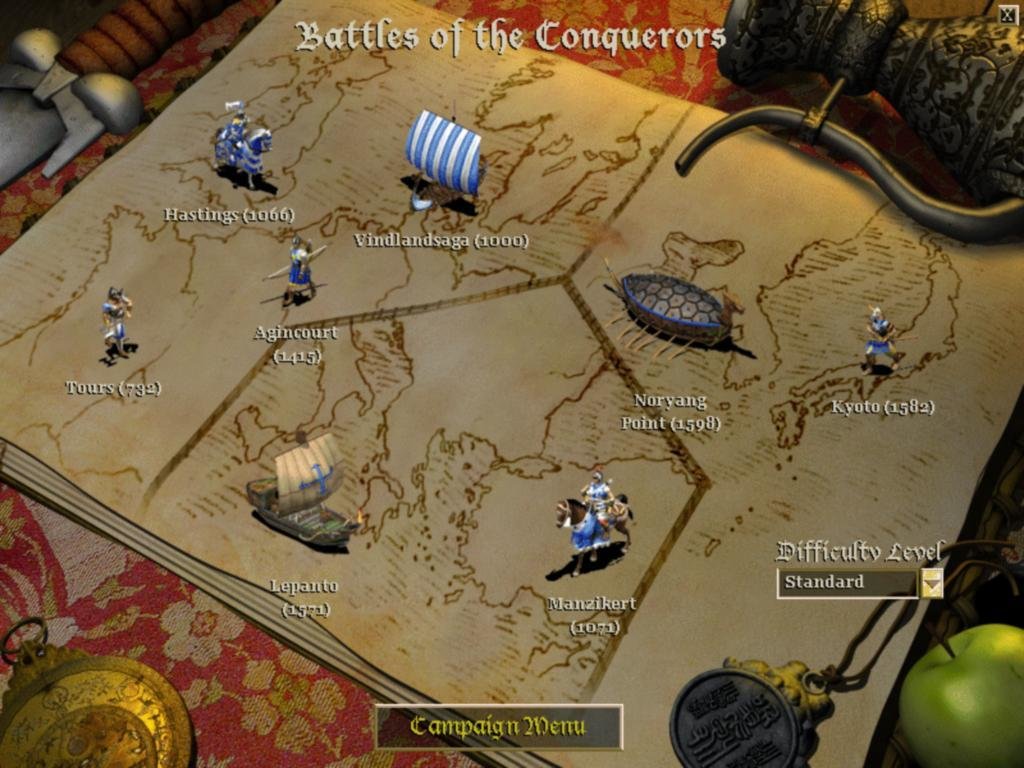
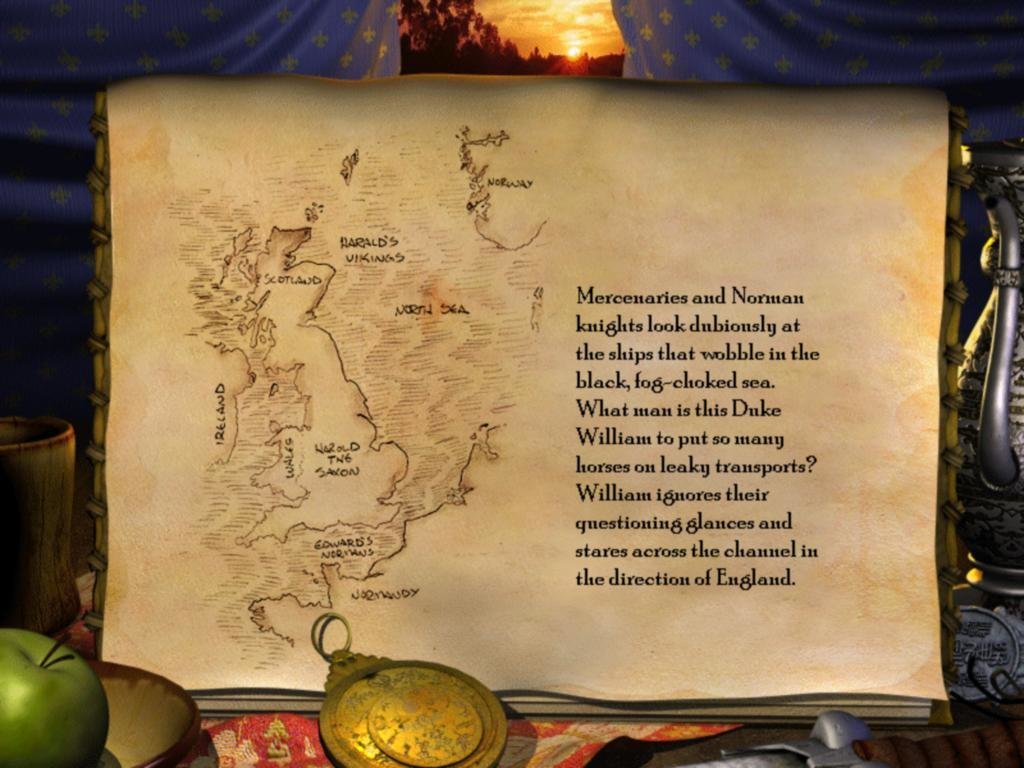
Given the game’s title, there should be little surprise that its four new campaigns feature some of history’s most notable land-grabbers. From the trials of El Cid and Cortez’s invasion of the New World to Attila’s flagrant disregard for Roman borders, three of these scenario-sets cover extended military and colonization campaigns. The fourth, titled Battles of the Conquerors, is a set of eight unrelated missions, each covering a certain pivotal moment in world history. In this set, the Battle of Agincourt and the Japanese naval invasion at Noryang Point rub virtual shoulders with Charles Martel’s defense of Tours and Erik the Red’s acquisitive interests across the Sea of Worms.
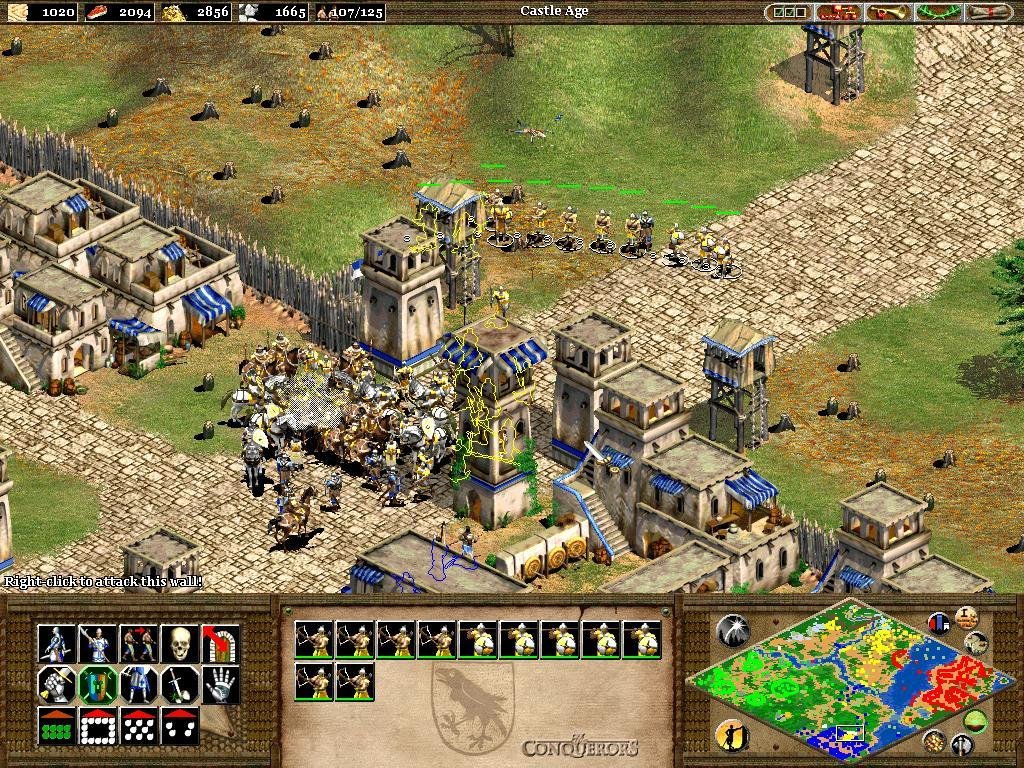
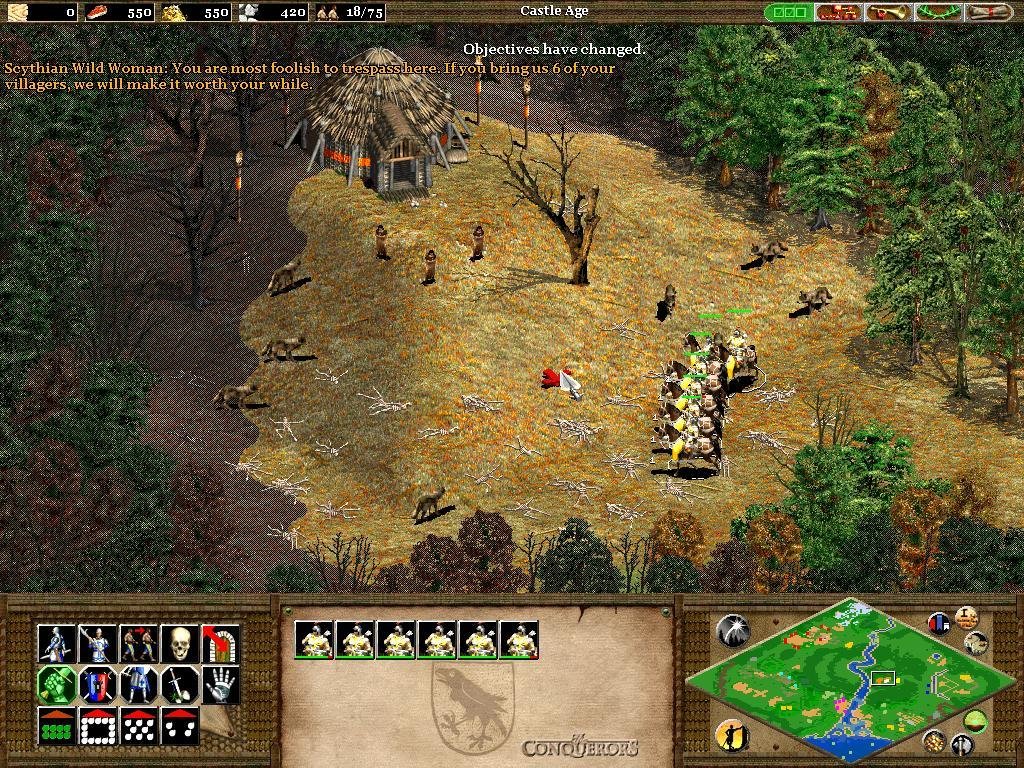
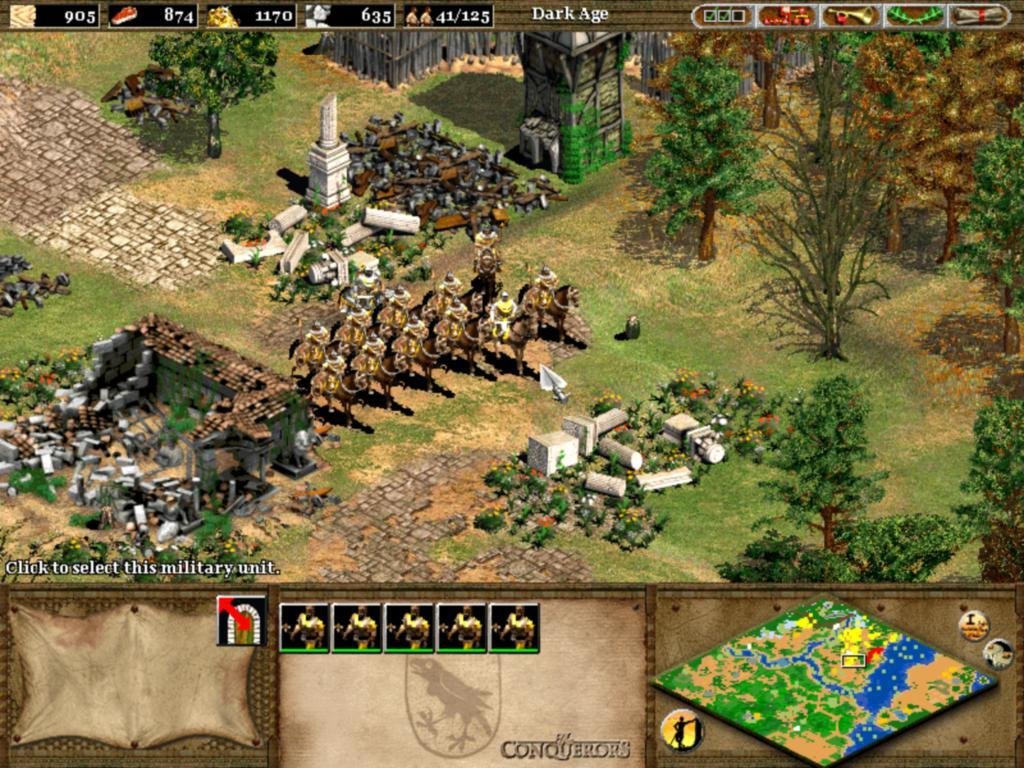
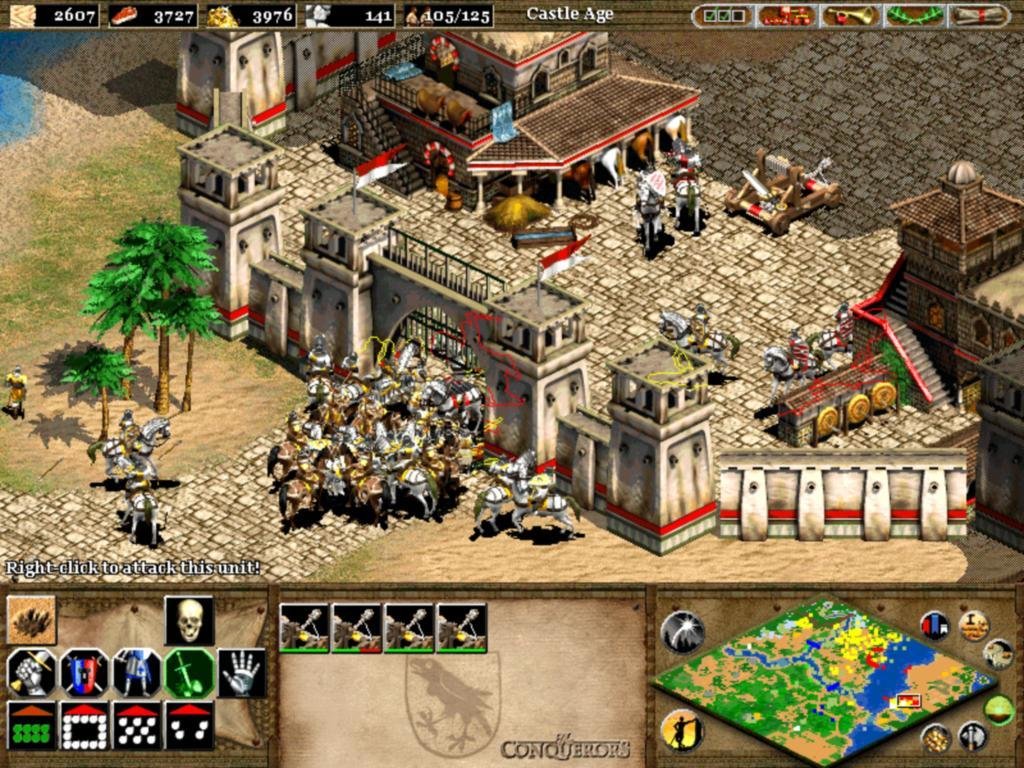
It’s an overall impressive package, with spoken introductory briefings making each campaign feel like an embelished historical narrative, complete with twists and turns and broken alliances. But the singleplayer as a whole is still a tough and grueling affair, with some scenarios degenerating into hour-long grinds. One recurring issue is the manner in which your men scatter and attack anything in sight when fights erupt, particularly enemy buildings during raids, breaking formation and turning large battles into chaotic clickfests where nothing really makes sense. This is an almost universal issue with the RTS genre, but it could have been easily fixed with a few added AI options.
Any semblance of order brakes down the minute you assault a town. The AI is the perfect multi-tasker in this confusion, continually targeting the right counter-units and churning out fresh troops, and is still extremely stubborn in both campaign and skirmish maps in admitting defeat (you always get that one villager slipping away and building anew). Along those same lines we still have some frustrating CPU behavior – lone scouts just wondering into your camp even as far as the Imperial Age, and who just run around pointlessly despite being directly attacked; your base getting harassed by single enemy units who immediately get wiped out, pointlessly distracting you. And an altogether much too long and grinding campaign mode, with missions taking forever to complete even on the lowest difficulty level (which is now ‘Standard’).
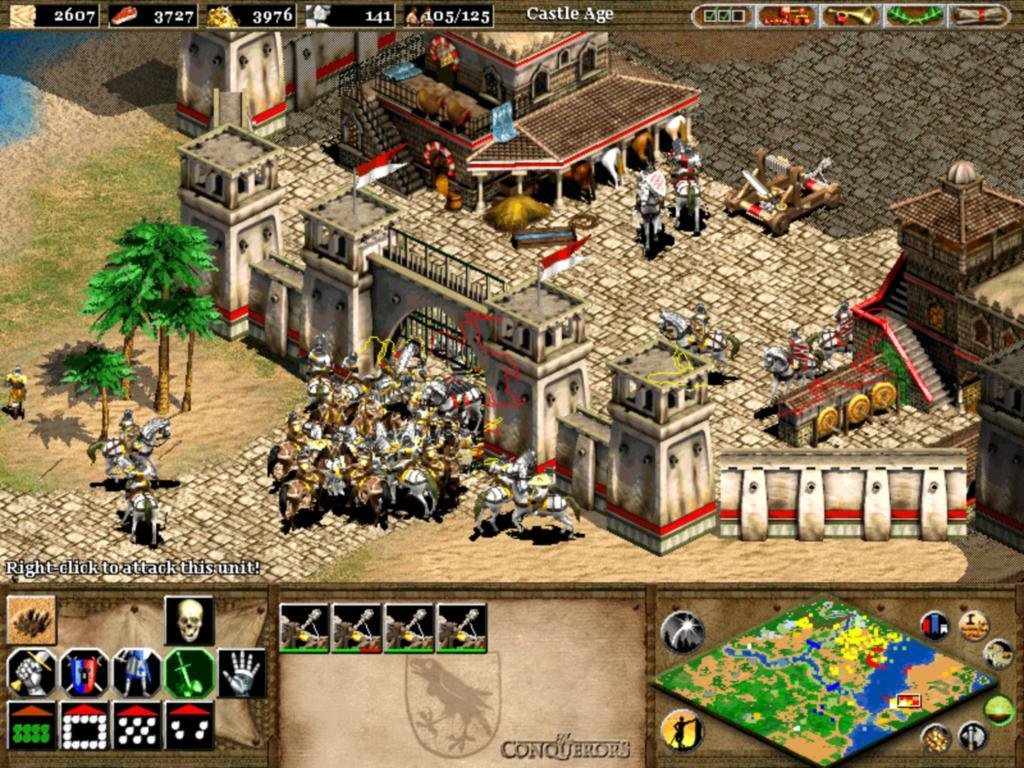
Units still behave like unwieldy mobs in battle.
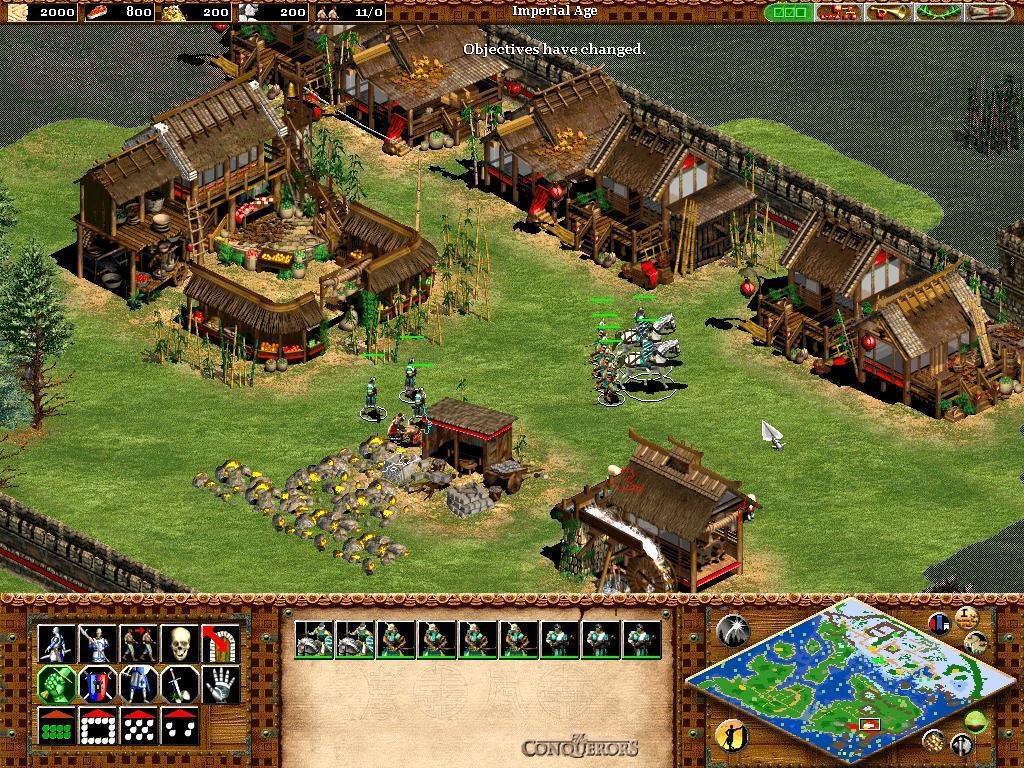
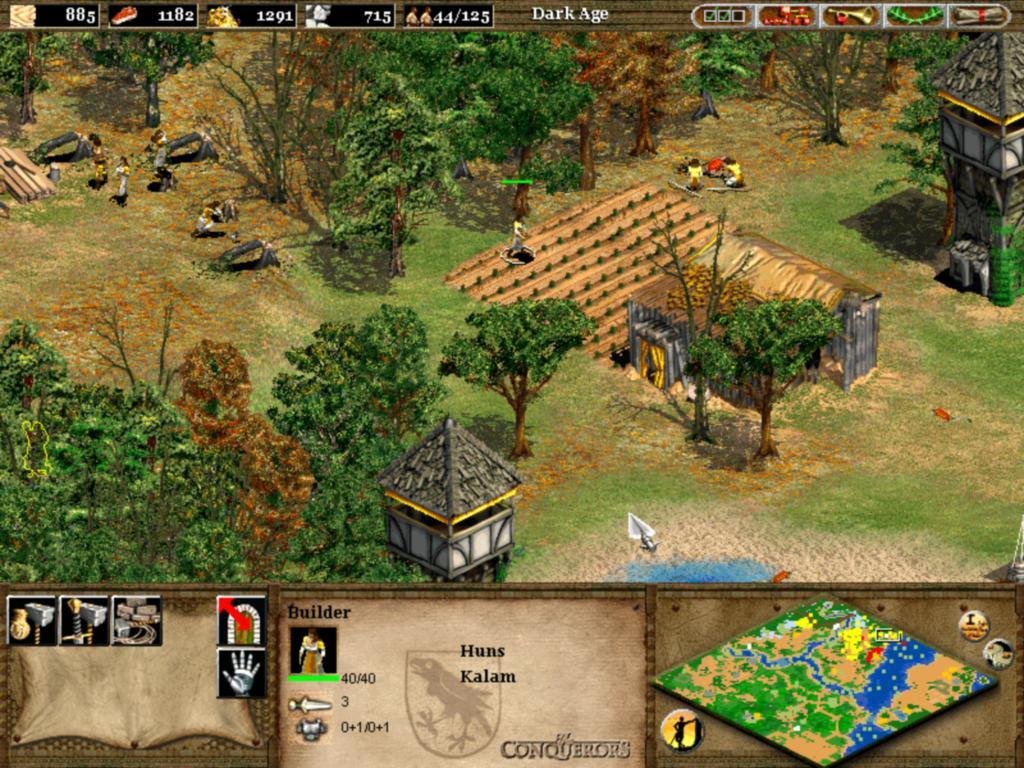
Despite these harsh complaints, I can’t pass over the fact that both the interface and gameplay have seen improvement. Building drop-off points near wood, gold or stone deposits will now make villagers instantly go to work, and you can also queue up farms for re-seeding, essentially leaving your town on autopilot for considerable spans of time. Even fights are usually fun as long as they’re not too massive (and thus harder to control), and the game is a blast when played against live opponents. Friendly splash damage from your catapults has been annoyingly kept, but battering rams can now be loaded with infantry for increased speed, making them more of an asset in battle.
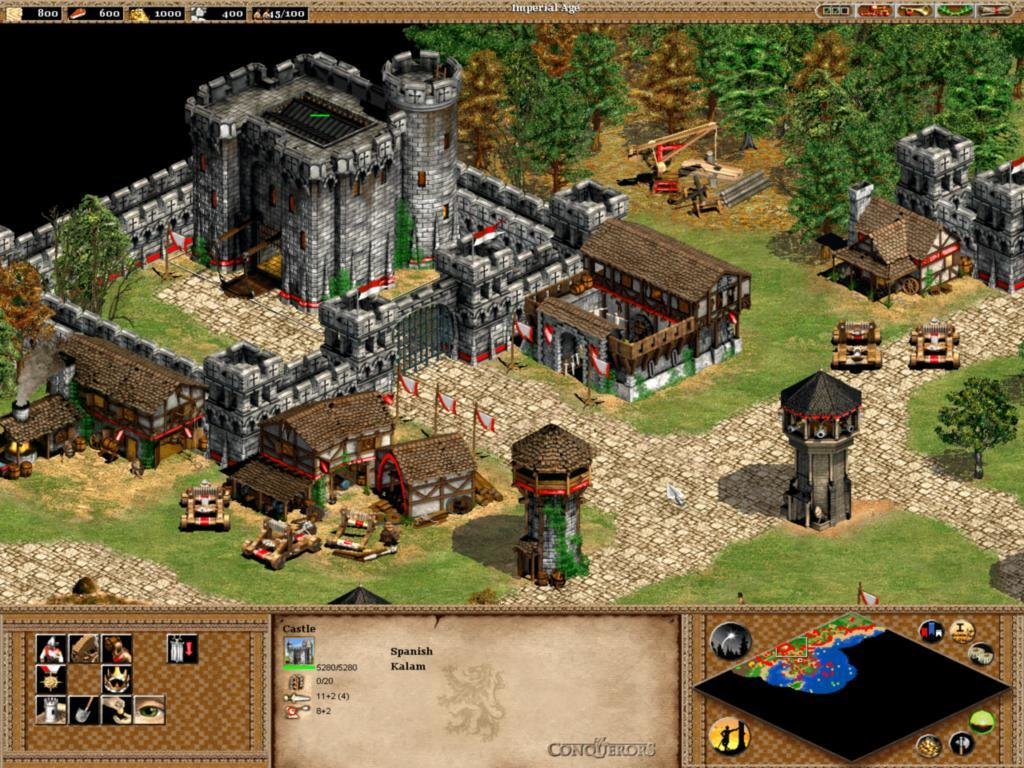
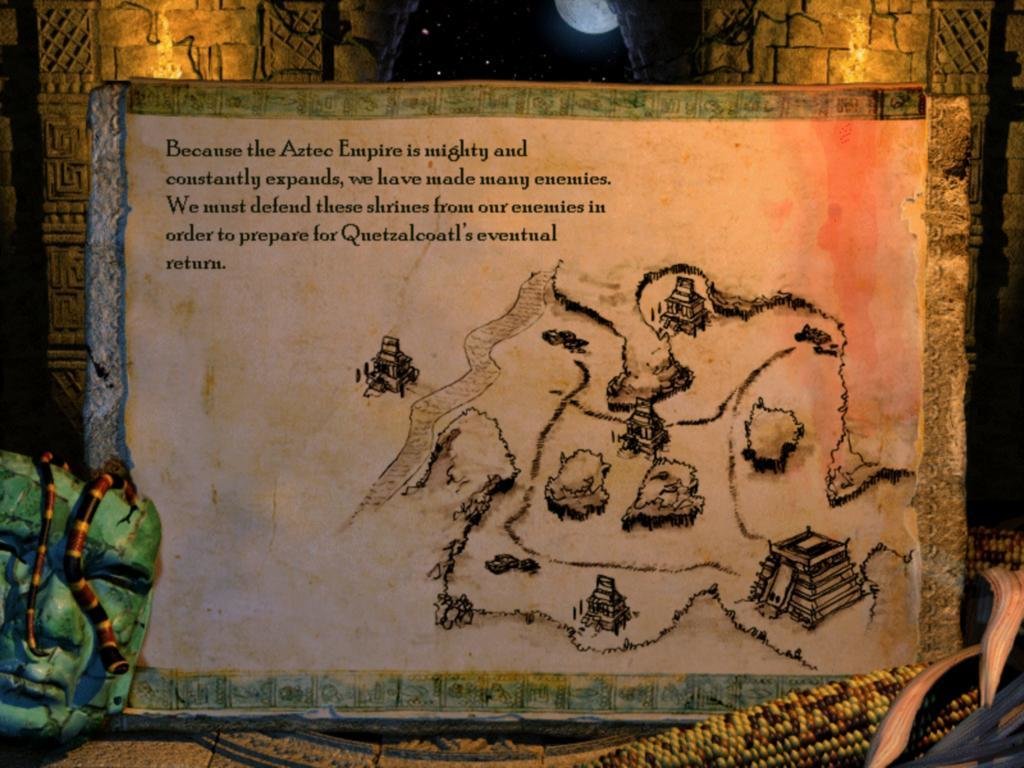
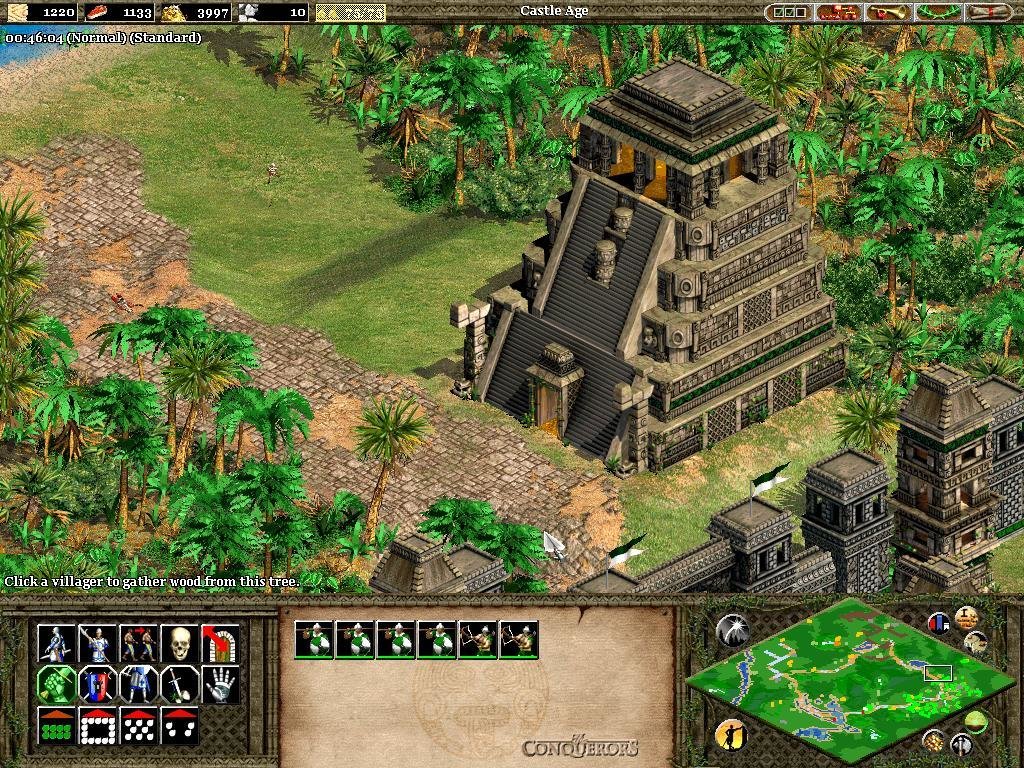
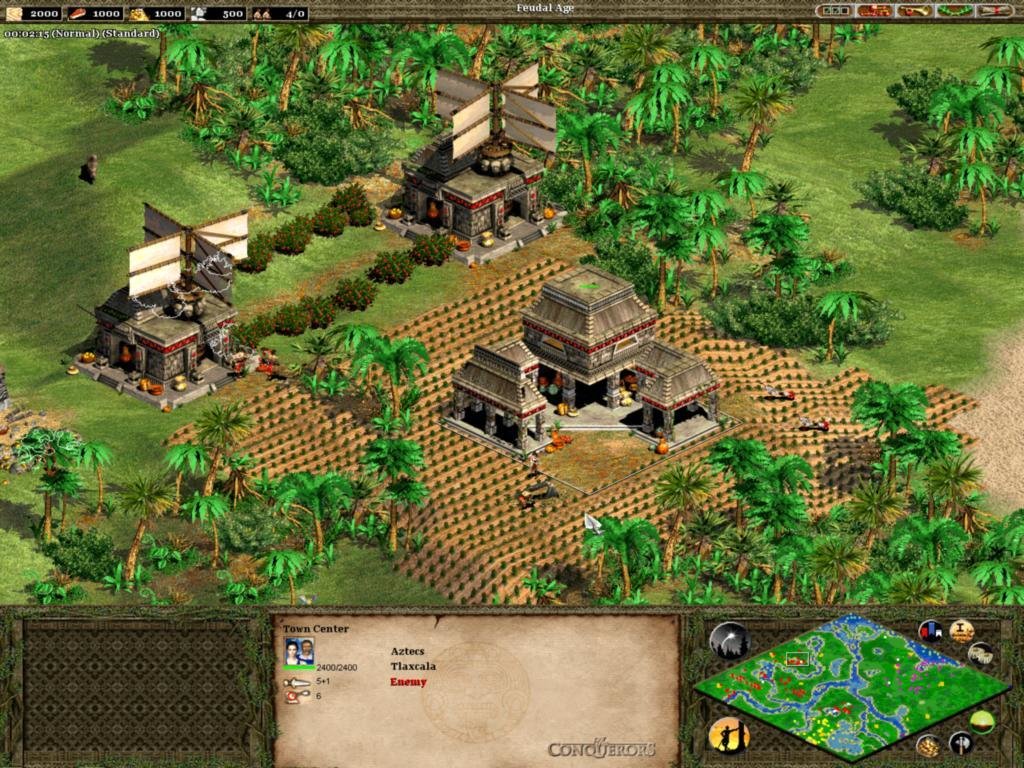
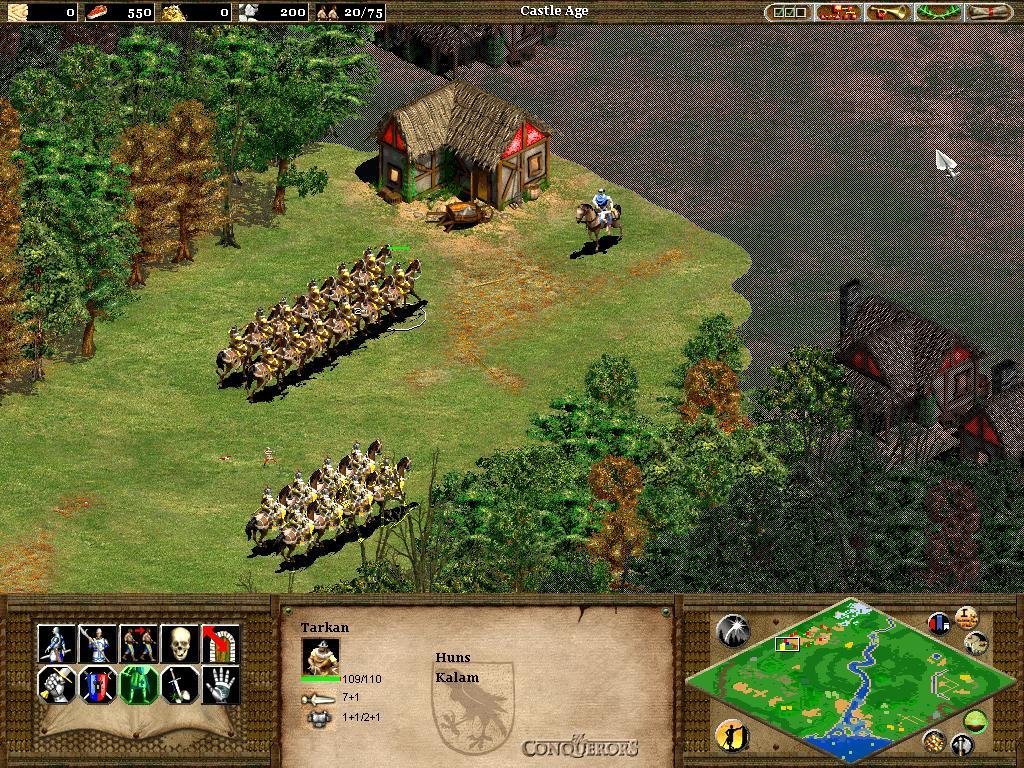
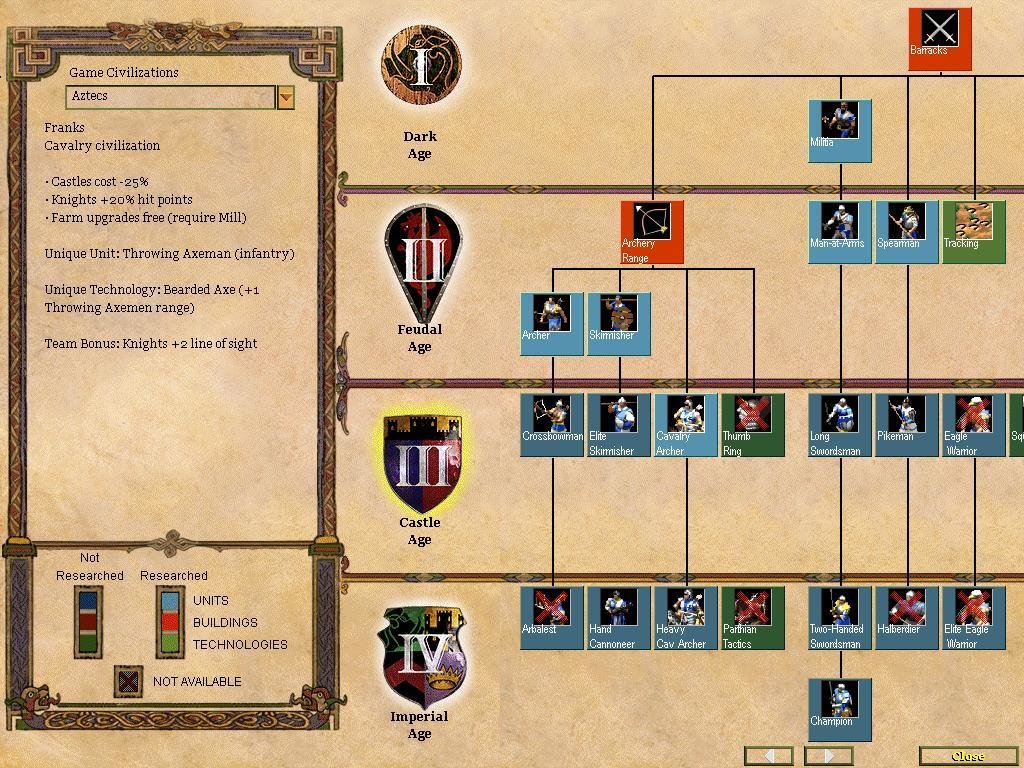
Who could possibly resist a quick jaunt across the Roman Empire at the head of a rampaging barbarian horde? Well, our wait is finally over, and Attila himself makes a fine traveling companion. But if you prefer something a little more American, the Aztecs and the Mayans are both represented here, along with their arch-nemesis, the Spanish. Cortez never seemed like quite so much of a vicious opportunist in those high school history lectures, but this game offers you a less Euro-centric perspective. Most notably, we now have the Koreans and their amazing naval know-how.
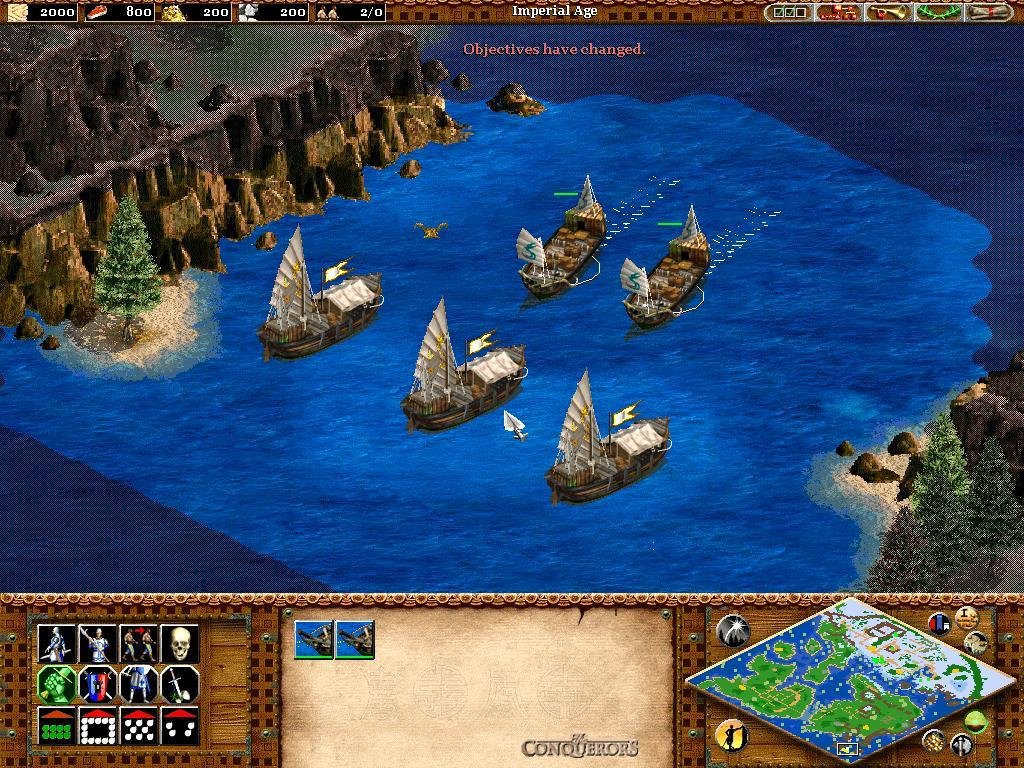
Each new civilization has some unique traits, as you’d probably expect – Huns, for example, are a migratory bunch and don’t need to build houses. They can automatically create up to the maximum number of units allowed by the scenario. On the Aztec side, remember how impressed Montezuma’s people were with Cortez’s horses? No surprise then that they can’t build cavalry units. And then there are the Koreans- not one but two unique units for them, War Wagons and Turtle Boats. In high-level naval warfare, they have a distinct advantage, and it’s fun to watch a fleet of spike-hulled Turtle Boats face off against practically anything else.
The Art of Online Conquest
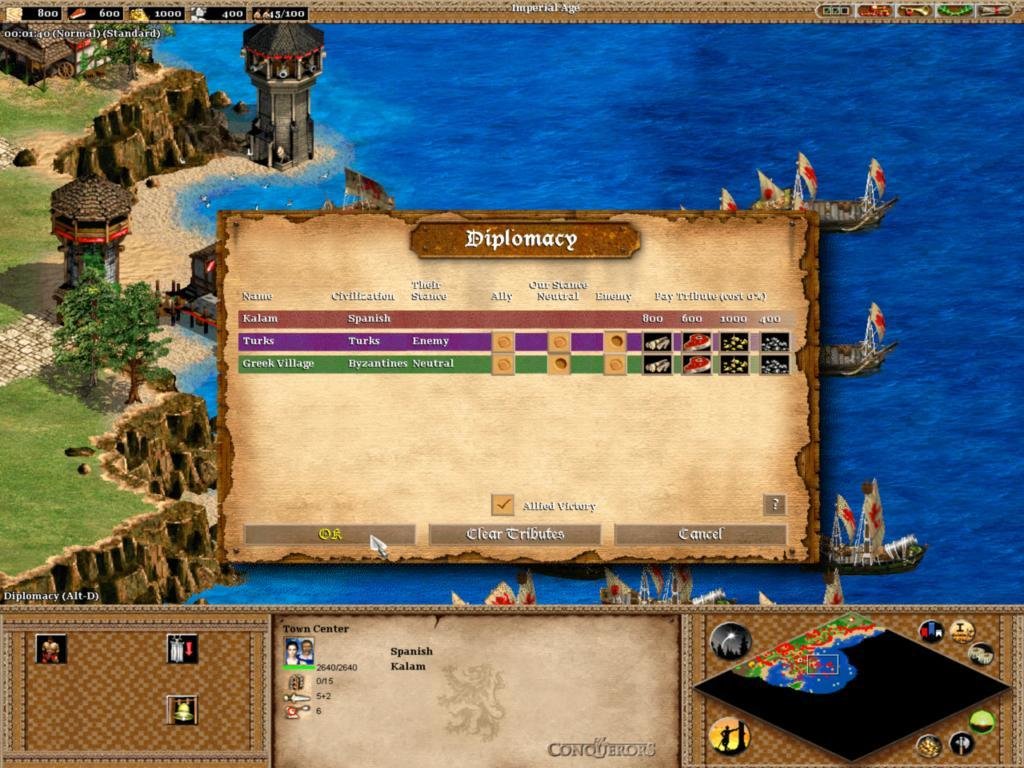
 On the multiplayer end of things, three new game types pander to both the strategist and economist. The first, King of the Hill, starts with a monument in the middle of the map, which must be held for a certain time period. You know the drill. The second type, Defend the Wonder, is a frantic attempt to take and keep possession of a single existing wonder. The high-powered catch is that everyone starts in the Imperial Age, with all technologies researched and huge resources. And the last, Wonder Race, awards victory to the player that constructs their first Wonder.
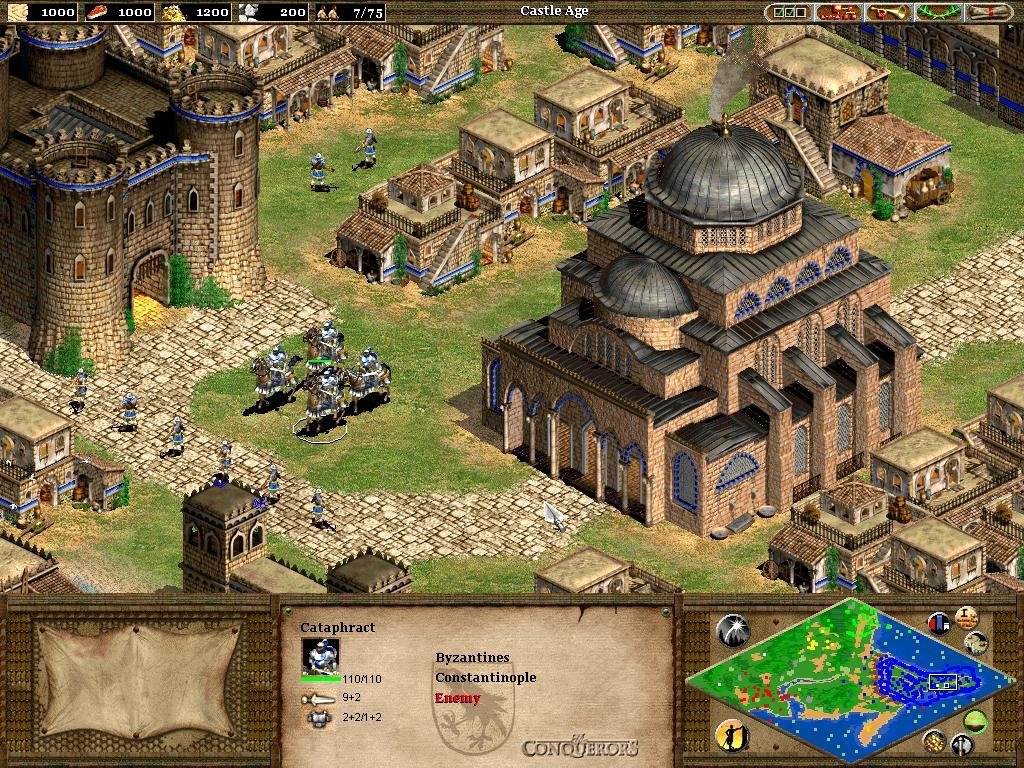
Feel like a change of scenery? Why not trash your friends in the Sea of Japan? Or France, or Iberia? The Conquerors’ nice selection of real-world locations makes the perfect battleground for whatever bloody conflict you may have in mind. Oh, and did we mention that every culture in the game now has its own unique technology? Some of these can put an attractive spin on former civilizations you might not usually play. The Byzantines, for example, can research Logistica, which gives their Cataphracts triple damage. The Persian technology Mahouts, unsurprisingly, increases the speed of War Elephants. And new global technologies such as the Thumb Ring (improves archer accuracy) and Heresy (causes your units to die when converted, instead of joining the enemy side) will also give you and your opponents a leg up to mayhem.
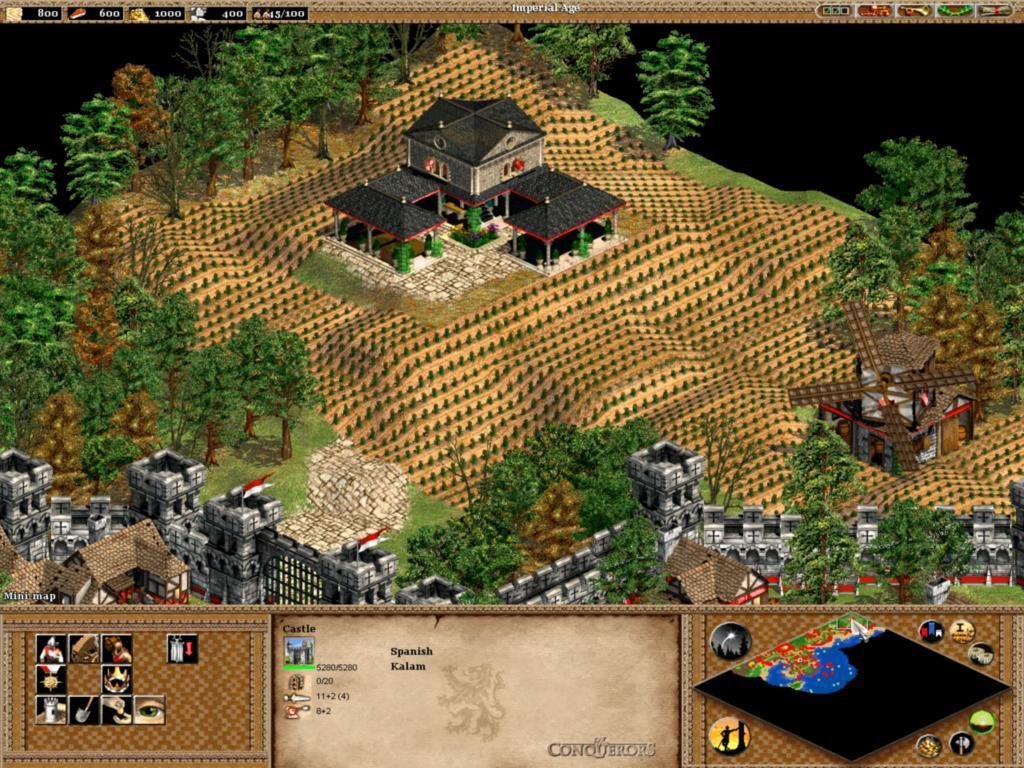
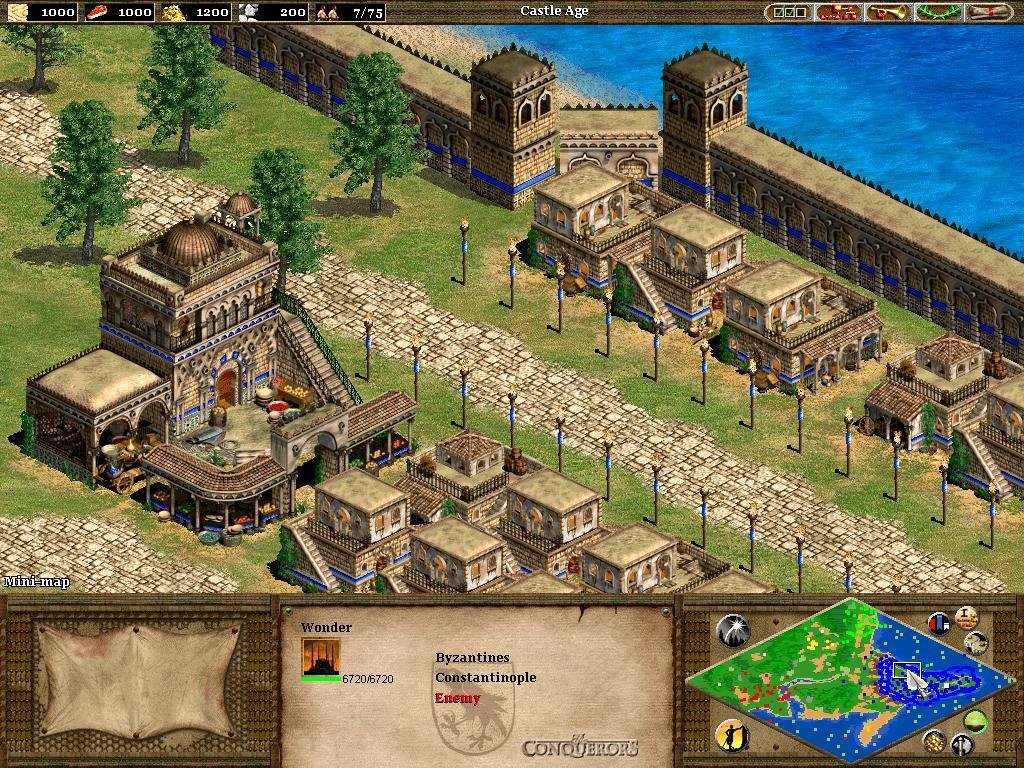
Age of Empires II: The Conquerors is, in short, everything an expansion pack should be. It manages to improve on the original, adds a helpful and interesting stack of new features, looks quite gorgeous and offers as much scripted gameplay as The Age of Kings.
System Requirements: Pentium 166 Mhz, 32 MB RAM, Win 95/98/NT4/2000
-
Buy Game:
www.amazon.com
store.steampowered.com -
Download Demo
archive.org -
Community Website
www.ageofempires.com
www.agecommunity.com -
Wiki
ageofempires.wikia.com -
Vintage Website
www.microsoft.com
www.ensemblestudios.com
Need more help?
Watch this tutorial video.

THIS GAME IS GOOD!!!
Excellent review.
I share the same views although I believe it should have been readjusted towards online multiplayer game play a lot more than actual campaigns. Because at the end of the day, it’s an RTS Game. If the bugs aren’t fixed for multiplayer I don’t see the pint.
Also, your link for download is the only one I have found for over a year that actually works.
Thank you so much.
Keep up the great work man.
The link you provided is fine. I downloaded the content. But after that in the Archive file there was an image file that needed to be burned to a CD.
I tried it and I also bought an empty CD for it but my money gone to waste as the file itself is corrupted.
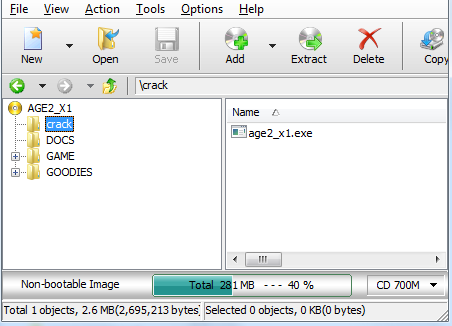
How do I copy the crack to the game folder in the virtual drive?
I like this game!Never gets bored! ?
Thanks a lot for this link !
Hey when i downloaded the file and open it shows me the .IMG file.what should i do please help
Hey i have mounted the file as you said but when i click on setup it shows me that “aoe 2 is not
installed.”please help me i love this game very much
please help
hey the game started thank you very much
the game is working thanks
downloaded the file and age of kings works fine but conquerors cannot be mounted what should I do?
Very well done review, great!
I would still add in the gameplay improvements that now units can be properly multitasked (while holding shift)
By the way, here it says that the disc image file is corrupted. Should we change it from .iso into something else?
Tried all the couple of things I knew, looks like file is sadly not working.
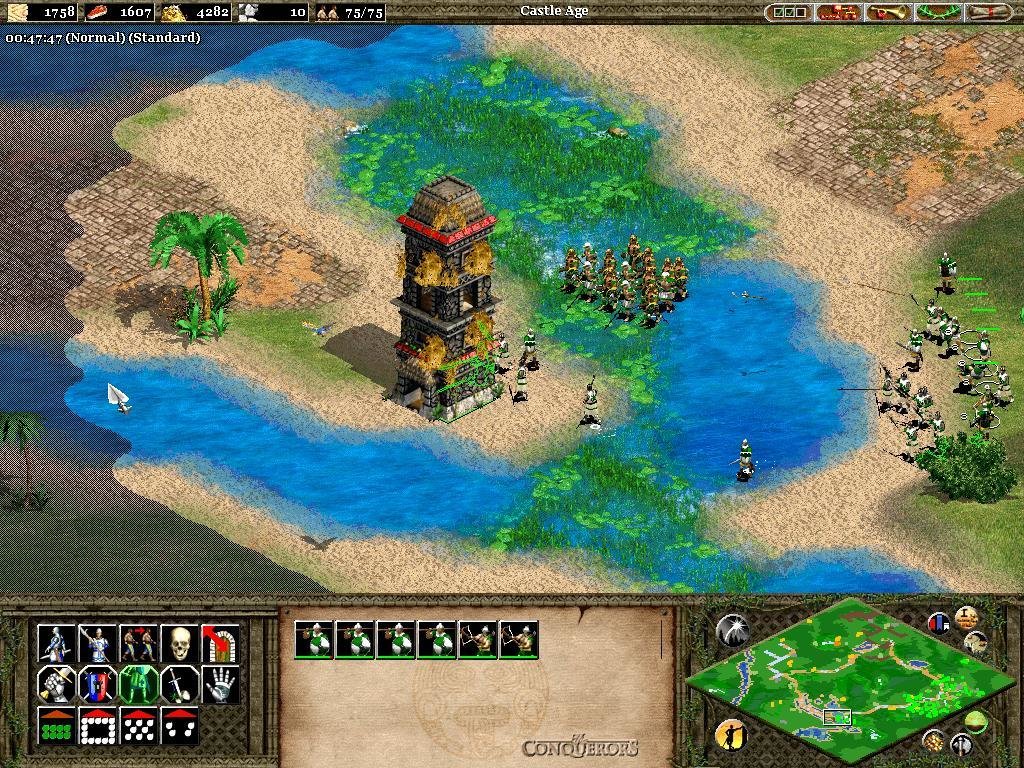
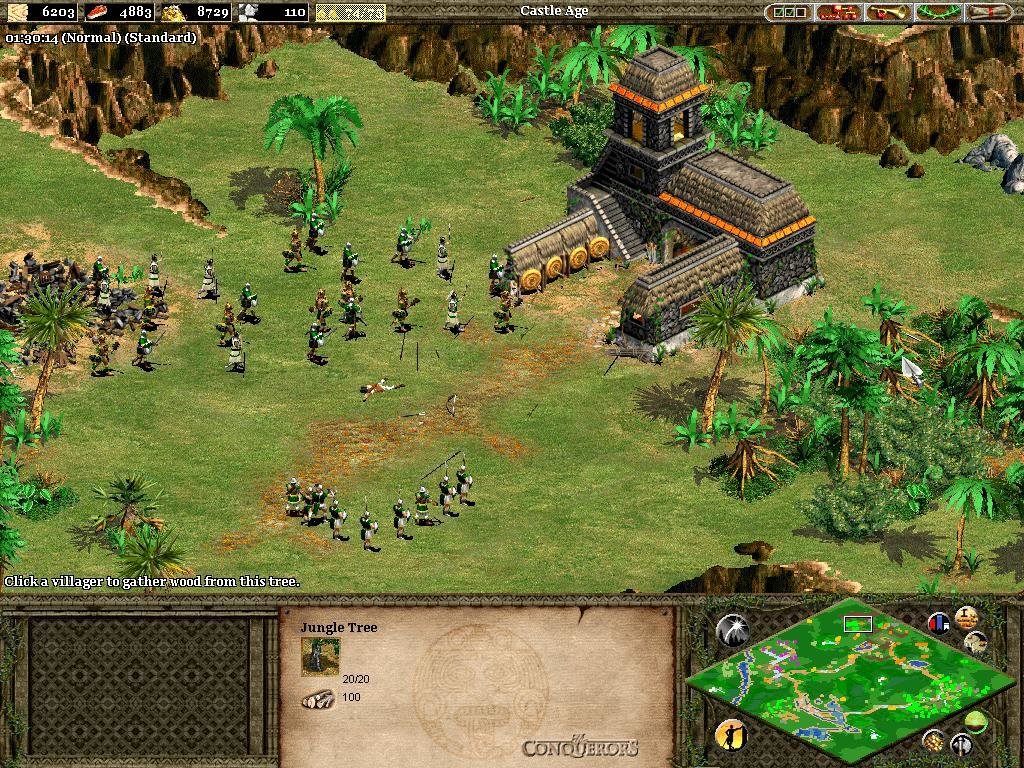
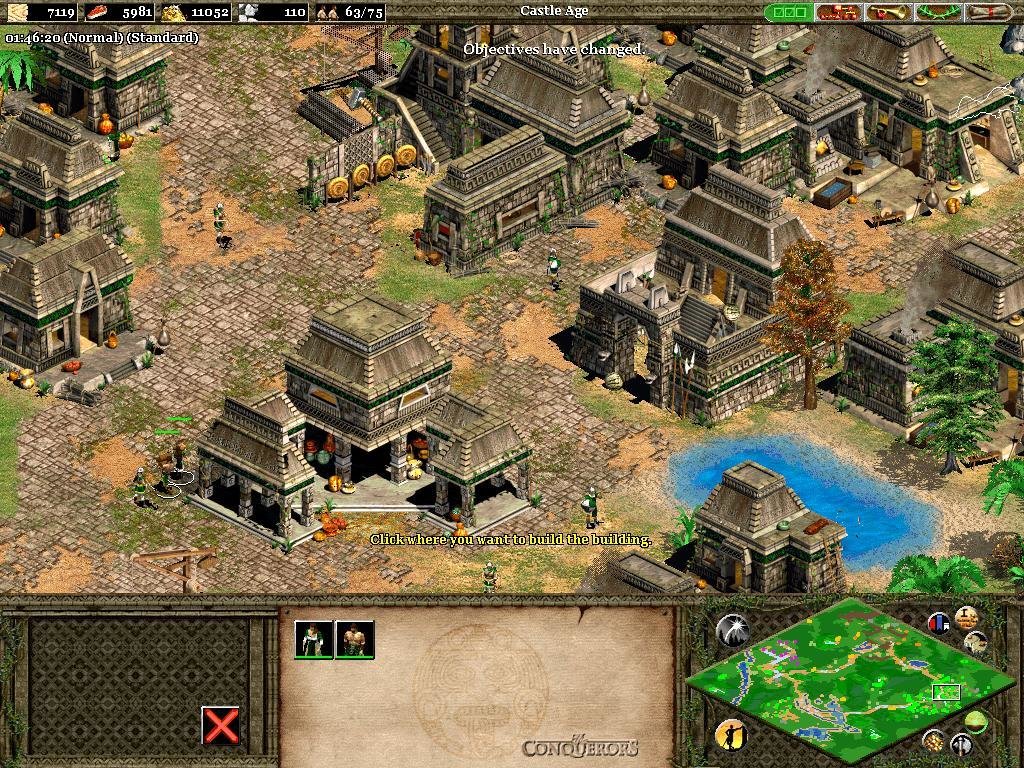
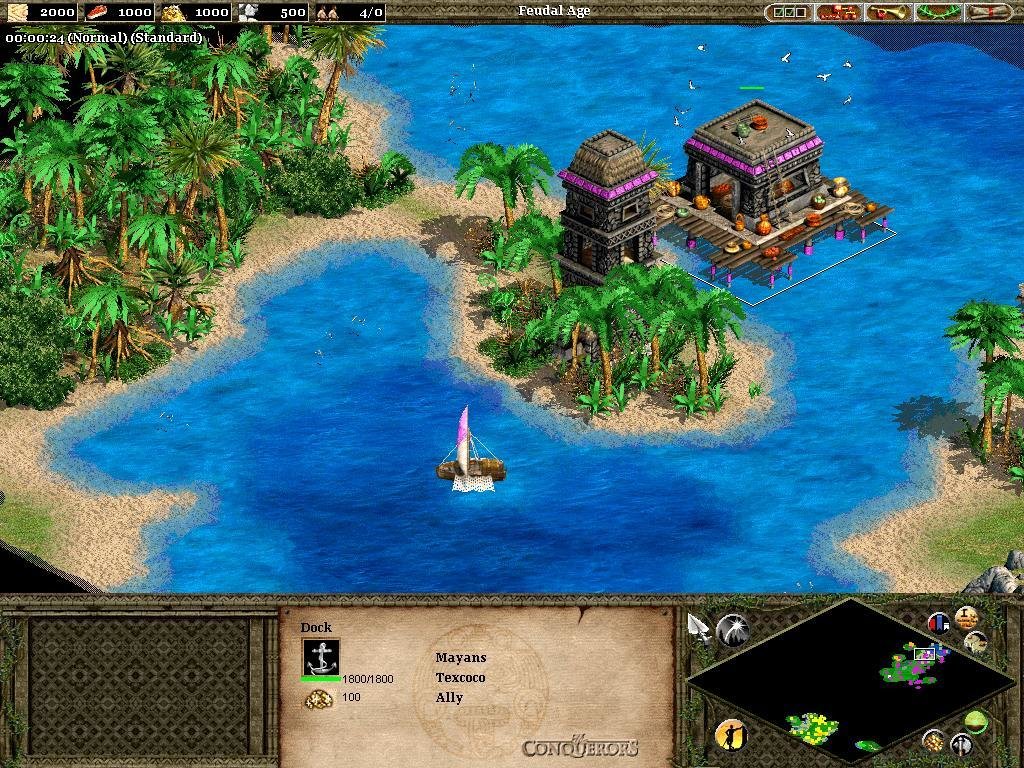
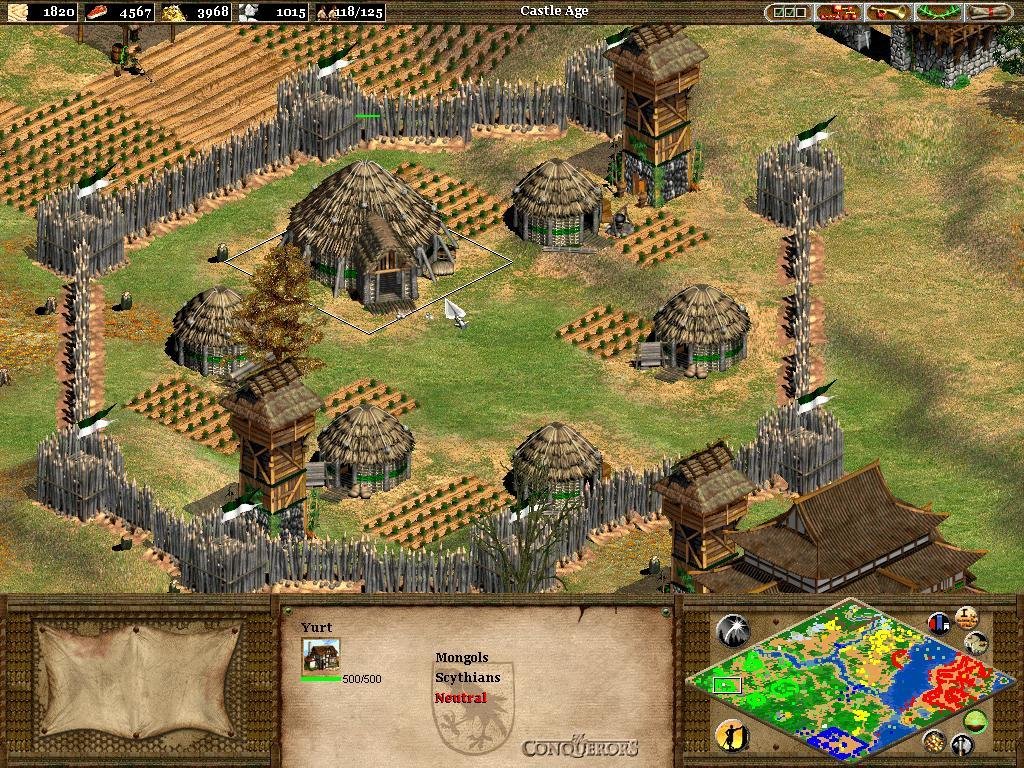
Install AOE2 Age of Kings, Install the Conquerors. Used this version to make the screenshots
hey…. where will i get the encrypted password to open the .zip file….
It does NOT have one. use the magnet link. what rar filename do you have that it asks for a password?
how do you install this?
Press both red buttons, download both, install AoK, then the Conq.
download link works, installed both of the files, but i can only run age of kings, however conquerors is not booting, i copied the crack into the folder and game folder, both didn’t fix the issue, any solution for that?
Works on Win7 though. What Windows are you using?
windows 10
but after linking it with voobly it seems to be running ok
Downloaded the expansion through Utorrent. I installed it, but can’t open it. Read the comments, and there seems to be a crack, but can’t find it.
In the CD
Hi, I could install the Age of Kings succesfully, but for the Conquerors it tells me the archive is damaged. I’ve downloaded them with the green magnet link. I was going to try with the red buttons, but it tells me (having downloaded one) that I’ve reached the limit.
Both archives are damaged for The Conquerors expansion.
Since me and many other people can extract them then the problem is obviously on your end.
try installing an older version of winrar (like 3.0) or use 7zip
the one in the magnet link definitely extracts for me. or try to delete and re-download
Hi, I just tried this and I can load AoE age of kings (didnt play yet, but it installed) but I can’t open the conq iso, it says it is corrupted. Suggestions?
It’s an IMG file, not ISO. Use a program that can mount / open IMG files
Such as?
neither 7-zip nor WinRar work.
Oh, fixed it hopefully. I right clicked, instead of “mount” went on the poweriso option and clicked open. now it seems to work.
Installed perfectly. Can’t wait to play with my friend and his family. Thanks a lot!
not installed, its very sad because i love the game, my computer is new. it havent cd enter please help me
Hi, i just installed both aoe 2 (kings and conqueror). Kings worked fine but Conqueror keeps ask CD when i clicked ‘single player’. Any idea how to fix it?
apply crack from cd
Hi further to arievishnoes comment:
Hi, i just installed both aoe 2 (kings and conqueror). Kings worked fine but Conqueror keeps ask CD when i clicked ‘single player’. Any idea how to fix it?
I am getting the same problem where I cant start the single player function in the Conquerors expansion. However I have applied the crack you supplied in the disk image and also have mounted the .IMG file to drive. Still no luck. Just asks to insert the disk.
Can you help?
Thanks
When you applied the crack did you replace the original file with the same name in the game folder??
Hi I have downloaded bot the games as menyioned in your article above and applied the crack in the game folder with option move and replace but the exe file is not working in the AOE conquerors
What I am doing wrong can you please guide me. I love this game
Did you install AoK then The Conquerors?
yes
I tried to re download all over again from step 1 that is AOK and the Conqueror but since then it’s giving me a message on extraction that ” File does not have a program associated with it to perform this action. Create an associate program in the default program
the message is only when I initiate the conqueror extraction but AOK is playing fine
I’m having the same issues as NZMikee, everything has worked fine until I load the game.
When I went to select “Single Player” in the game menu it said
“You must insert the Age of Empires II: Conqueror’s expansion CD to play a single player game, then restart.”
I have it mounted to CD Drive (E:).
I am running Windows 7 and used another utility (UltrISO) to convert the .img file to a .iso file.
When copying the crack from the crack folder to the AGE2_X1 Folder in the Game folder I overwrote the original AGE2_X1 application.
I am a huge fan of this game, and would like to return to it on a more advanced pc, and would greatly appreciate any help with the problem.
Install original AOK, then The Conq, then copy crack into game folder without converting any CD file. And actually install it, don’t just copy or extract files from the IMG into your HDD. The game will not ask for a a CD after that. Should run on Win7 but with the color bug.
Just for the sake of not making confusion put the Download buttons in other title name. like Alternative Download Button 1 and Alternative Download Button 2, they have both the same file, dont bother to download the both files. They are not part one and two, they are not connected what so ever. fix that please.
yeahhhh. first link was supposed to be Age of Kings (which you need pre installed) fixed now
The conqueros img is broken and the tise of kings doesn’t start after installing, it says a file is missing
after i install AOE 2 in first part its launch well.. but i cant install conquerors one.. i just want play that conquerors.. the massage said
image cant load.. what must i do ?
The setup is saying that first install Age of Empire 2
says insert cd in single player please help
it says insert cd in single player
copy the crack into the game folder
ffs guys did any of you read the previous comments????
Many people here are using PC for very first time… I imagine them getting PC virus and thinking their PC became alive because it’s not responding and working on its own. ?
It took me a while to figure it out so I just indicate how I managed.
AoK installation was smooth, just unzip, double-click on the img and that’s it. For Conquerors it said “corrupt”. I had to use PowerIso, open the img, then bring the crack application in the game subfolder, then install with the aocsetup by choosing the option of creating temporary files.
What didn’t work at first was that I had simply copied the crack in the game folder, not the subfolder. The game would install, but would not launch (no matter what compatibility mode).
https://www.youtube.com/watch?v=ELZHth4QLjE
Where’s this crack folder?
I didn’t find any!
Well. Read previous comments. You’ll find the answer.
Sir, I copied the crack into the game folder but still it doesn’t work.. im having asus 1015e which doesn’t have cd drive. First i copied nd it still showed insert cd. Then i tried extraction of the crack file into the game folder nd i couldn’t do it because access denied and extraction failed. Kindly help me
well….the only problem i have is that annoying cd-requirement to play single player games….
i followed every step in the video you published before….bet still no use….
help??please??
i exacracted the files using power iso….insalled aok first…then the expanision…then i copied the crack into the expanision folder and replaced the originall application (twice!)……..
this is my exact step describtion….please tell me what did i do wrong…thanks
Install the virtual machine I guess since it works on that. /virtual-machine/
no….the is actually running effectivly without virtual machine…the problem might be with your crack…
i did all those steps before in other games (civilization 3-civilization4) that i downloaded from your website….
and in the end everything works fine after replacing the original game application with the crack….
would you please check your crack? (and if there is something wrong with it..then please post a link to download the new crack after fixing it..)
games run smoothly….no compatability issus
THE ONLY PROBLEM that remains is the game asks for the CD when i try to play single player..
you told me about “virtual machine”… this program all about fixing compatability issus..not about fixing any crack problems…(please tell me if i get it wrong)
Just keep disc mounted and stop moaning. No-CD cracks in some games just fixes problems when game still asks for disc when it’s inserted/mounted. Not all games being installed 100% to PC, so they read data from disc while you play.
i am sorry…..this is my last question…
i am new to power iso…so…
how do i mount discs in the first place?…i can’t understand it….please explan the detailed steps..
i am so sorry to bother…and thanks for your concern..
Use Daemon Tools. It’s much easier to use. You can find tutorial on youtube i guess.
power iso is very easy to use you just gotta pay attention damn it
thanks all for your concern….although i don’t apprecieate the way you speak…
i find an another solution…
just install AOK+ the conq….(from this website)
then install “the forgotten” expanision from it’s legal website…(free to play if you install the two previous ones)..
in “the forgotten”..you will find the all campigns of the previous two+extra civilization..
Yooooowww koko’s suggestion works. Try going to this site: https://www.forgottenempires.net/install. More power to you random stranger Koko
Well when i download the rar archives i said the next day i well extract it .When i start the computer bla bla, 3 seconds after my computer was given trouble to open applications it keep saying not responding maybe it have a
virus
I am sorry about the writing.watch my last comment
My computer is not old.
It take 6 hours just to fix the problem.
The sites i recommended is gog.com my abandanware and software
The problem is that your computer is NOT old
These are old games. Install on an old computer, or old virtual machine,
it says file is broken i cant run set up file help plz
Hi again. When I click the desktop icon for this, nothing happens. I installed AOE 2 first and that works just fine.
I realise its a .img file what software should I use to mount/play it?
When i download the game, it’s a .b6i file.
Does it still work? If yes, then how?
Install utorrent, click on green button, use poweriso to mount. Believe it or not it’s easier to handle than the b6i.
The information and description of the game you share is very good and attractive. I enjoyed the game you shared.
I really happy found this website eventually
c0ba
Brother how to open the file?